My Budget Book is not just an ordinary expense management program.
This app helps you to keep track of your expenditures and earnings and manage your money more effectively.
Use the individual transfers and standing orders feature to get an idea of your expenses over the next couple of months and see how much money you have available to spend.
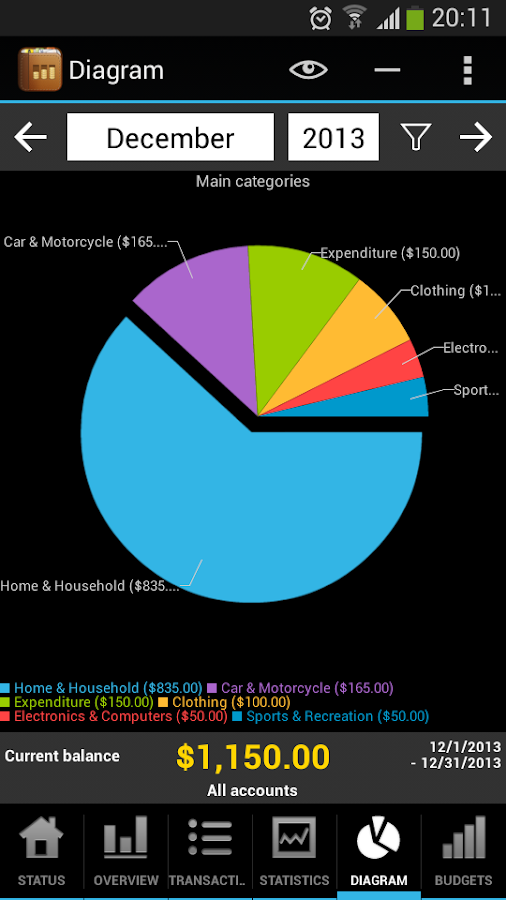
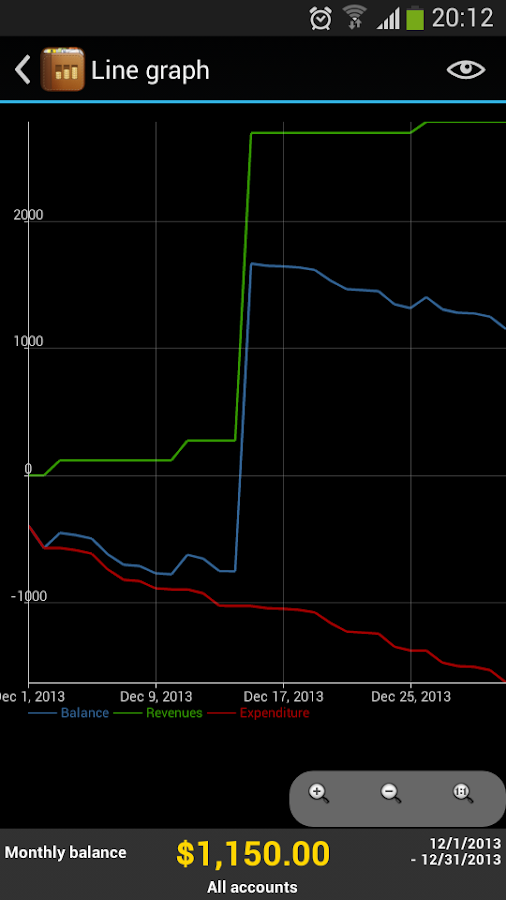
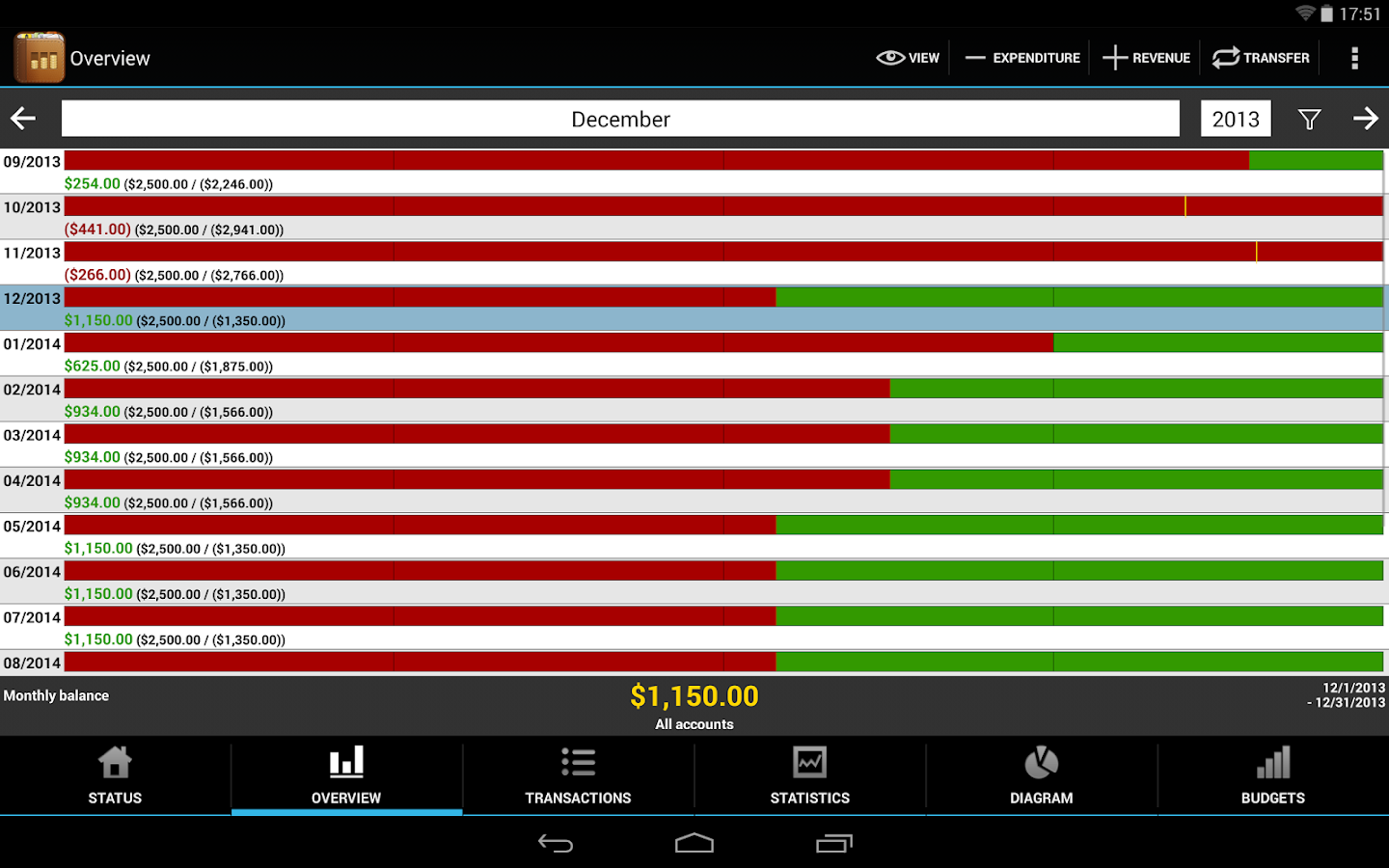
The app also gives you a graphical overview of the information, making it easier to plan (larger) purchases over the up-coming months.
We all know what it feels like to want to buy something but not know whether you can afford it.
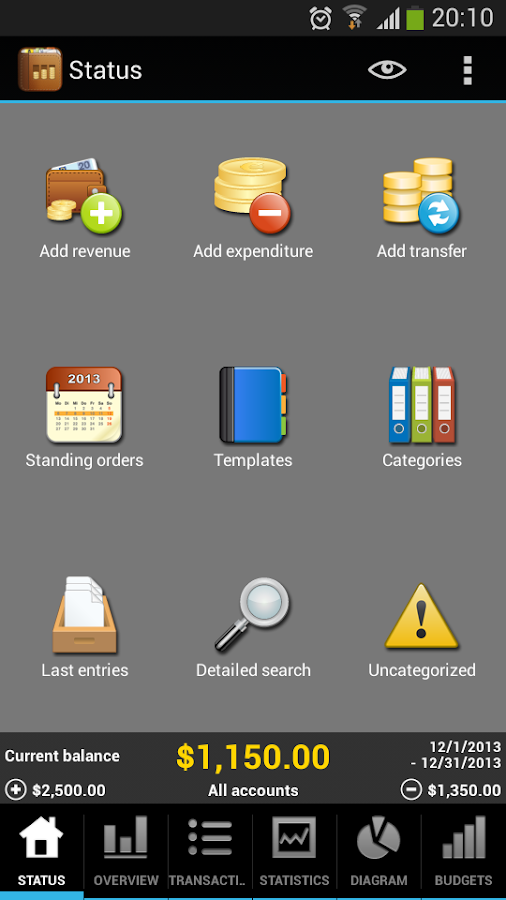
Use My Budget Book to see your current balance as well as how many bills you have to pay before the end of the month.
The new budget mode allows you to set goals and limits for various criteria and periods.
For example, create a monthly limit for refueling or a weekly limit for food etc.
You can also define limits for accounts such as credit cards or define limits for payment types.
Furthermore, it can be determined whether recurring budgets should be transferred in the next periods.
In addition, you can adjust the limit in recurring budgets for individual time periods, if you have a month more or less money to spend.
Main features:
✔ Easy access. No internet connection required.
✔ No registration!
✔ Also optimized for tablets.
✔ Available in 10 languages (The language is currently selected via your phone settings): English, Deutsch, Español, Português, Français, Italiano, Nederlands, Pусский, Polski, Magyar.
✔ More than 100 currencies.
✔ See this month’s balance when the app starts up.
✔ The graphical overview is perfect for planning your expenses over the upcoming months.
✔ Customize the overview by changing the number of past and future months that are displayed.
✔ Manage multiple accounts and make transfers between them.
✔ Get more flexibility by selecting what day you want the month to start on.
✔ Visualise the statistics as a table or graph and see where your money has gone by categorising all earnings and expenses.
✔ Filter your earnings and expenses according to months, quarters or whole years, as well as any other criteria and periods.
✔ Sort your transactions by date, amount, title or category.
✔ Use the powerful search function to look for specific expenses and/or time periods.
✔ Carry your balance over into the next month.
✔ Manage standing orders so you can plan ahead for the upcoming months.
✔ Create templates to make the input of your transactions even more easier.
✔ Add further main and sub-categories to get a better overview of your expenses.
✔ Use the watchlist to monitor important transactions.
✔ Use the built-in calculator to quickly calculate amounts.
✔ Protect your data by activating the password protection.
✔ Export your data in HTML or CSV format (on SD card).
✔ Create backups so you never lose your data (including automatic backups).
✔ Import your existing data using the CSV import function (Just move the CSV file to the folder "SDCard/My Budget Book" and import it via the settings of the app (import of other formats will be made available by request).
✔ 4 Widgets. NOTE: If you move the app to SD card, you can not use the widgets. This is due to the Android system and it can not be changed.
✔ Use the integrated manual to find all the features of the app.
To use the app as a single user on different devices or to add automatic backups to Dropbox, it is recommended that you use a synchronization app like Dropsync or FolderSync.
For more information, please read the chapter "Synchronization" in the integrated guide.
My Budget Book is easy to use – its further development will be based on users’ wishes and needs.
What's New
- New Android Holo design for devices running Android 4.
- More layout changes are already planned.
-In the pie chart, the highest value will be highlighted.
-More CSV formats added.
-Various optimizations.
-All changes can be found in the "Info" dialog.
Requires Android
2.1 and up
Updated
December 11, 2013
Current Version
5.0


Please leave a comment for Broken Links.