Pages

Sunday, December 15, 2013

HDR Camera+ (version 2.39) Apk

Cover art
Description

HDR Camera+ grew up into a better camera.
Full featured camera for Android!
11 shooting modes
Full camera control.

Full featured and fast HDR camera for Android.
Take pictures with vivid colors and rich detail:
- Simple: take an HDR image in one tap
- Full resolution
- Real HDR: exposure bracketing and tone mapping
- Zoom
- HDR images fused and tone mapped on device within seconds
- Hand shake compensation, no need to be rock-solid while shooting
- Correct handling of moving objects, de-ghosting
- You can control tone-mapping parameters: contrast, micro-contrast, color vividness, exposure
- Save original exposure bracketed images
- Location tagging
- Shutter sound can be muted (not on all models)
- Support for Flash on/off/auto

------------
Real life scenes often have a wide range of light intensity, which cannot be captured by a camera.
In a photo of such a scene the bright areas look washed out and everything in shadows is pictured as a black spot with no details.
The HDR technique allows you to capture details in bright and dark areas and have them merged in a single photo.
HDR photography is widely adopted by professional photographers.
Wouldn't it be nice to have an HDR in mobile phones?
The problem is that HDR requires taking several differently exposed images in series, which must be precisely aligned and then fused.
In order to be usable for real life scenes, the HDR feature should include moving object detection and hand shake compensation to avoid or minimize the ghosting in the final image.
That requires a lot of computational resources and makes a challenge even for professional desktop HDR software.
Almalence has brought its expertise in professional HDR software to mobile phones.
Our HDR fusion algorithms compensate hand shaking and detect moving objects in the scene, suppressing ghosting artifacts.
At the same time, the algorithms are quick enough to provide comfortable processing time on mobile devices.
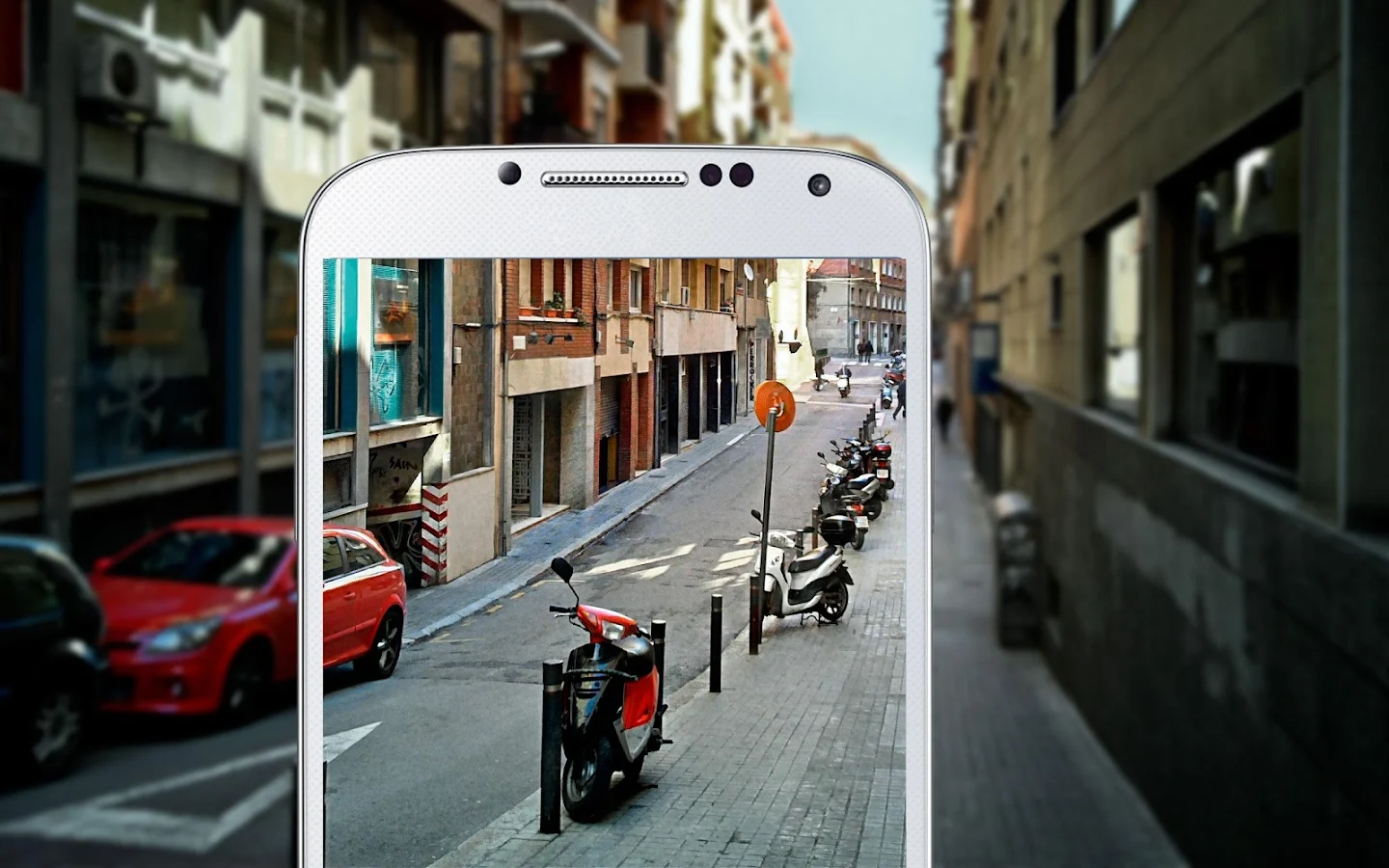
HDR Camera+ - screenshot

What's New
- stability fixes for Android kitkat
- vf brightness fixed on some devices


Requires Android
2.2 and up

Updated
December 13, 2013

Current Version
2.39

Google Play

AppzTap (Download)

Facebook Like 2

Please leave a comment for Broken Links.

Heart Beat Rate PRO (version 1.4.1) APK

Cover art
Description

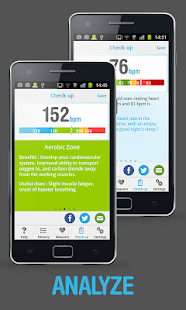
The Heart Beat Rate app uses your smartphone camera as a heart rate monitor.
Thanks to an innovative image analysis process which tracks your blood flow in real-time, it gives a direct and reliable measurement of your heart rate.
All you have to do is cover the whole camera lens with your index tip, and the application will compute your heart rate in real-time while displaying the pulse signal in a graph.

Heart Beat Rate Pro features :
● Real-time heart rate calculation & display
● Real-time pulse signal display in scrolling graphe
● Smart measure mode (measure stops after 15s if a valid pulse value is found)
● Resting heart rate checked against standards at the end of each measure
● Heart Rate training zones during physical activity
● Personnal advice to help you lower your resting heart rate for a better health
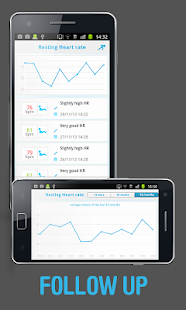
● Save measure with optional comment
● History view with a list and graph display
● Settings page
● Great design for a great user experience !

Why use Heart Beat Rate app ?
You may use our application to determine your heart rate just out of curiosity, to compare it with your friends for fun, after physical activity to know your Heart Rate training zone or to do health prevention.

Note : current version does not work on devices without flashlight.

Heart Beat Rate - Pro - screenshot thumbnailHeart Beat Rate - Pro - screenshot thumbnailHeart Beat Rate - Pro - screenshot thumbnail

What's New
- fix issue causing app crash at launch on some devices

Requires Android
2.2 and up

Updated
December 12, 2013

Current Version
1.4.1

Google Play

AppzTap (Download)

Facebook Like 2

Please leave a comment for Broken Links.

Handrite Notepad PRO 2.12 APK


Handrite Notepad PRO is an intuitive handwriting note app that serves as your sticky note, to-do list, memo pad and journal. All at the touch of your finger. Never wade through crumpled pieces of paper, lose important flashes of inspiration or let an unreliable autocorrect impede your speed of thought again.

Fast PRO for Facebook 2.2 APK


Fast PRO for Facebook is a new client to manage your Facebook© account. It is born from the idea to give a great and full experience even to the less powerful device. It’s also a social reader that you can organize your list and read-share all the stories from your favorite blogs or newspapers.

SketchBook PRO 2.9.1 APK


SketchBook PRO is a professional-grade paint and drawing application. With the same paint engine as the renowned SketchBook Pro apps, it delivers a complete sophisticated set of sketching & painting tools through a streamlined and intuitive user interface.

Network Connections PRO (version 1.0.9) APK

Cover art
Description

Powerful tool that displays and monitors (tracks) all inbound and outbound connection from and to your Android device.
A low-level connections capture module ensures best performance with a minimal battery usage.
Works on NO ROOT phones too.
A must have for every Android aficionado, Network Connections is the perfect addition to the Anti Spy Mobile app that will reveal the 'secrets' of your apps.

KEY FEATURES:
- Monitors all internet connections from and to your Android device
- Displays notification when hidden apps are connecting to remote servers
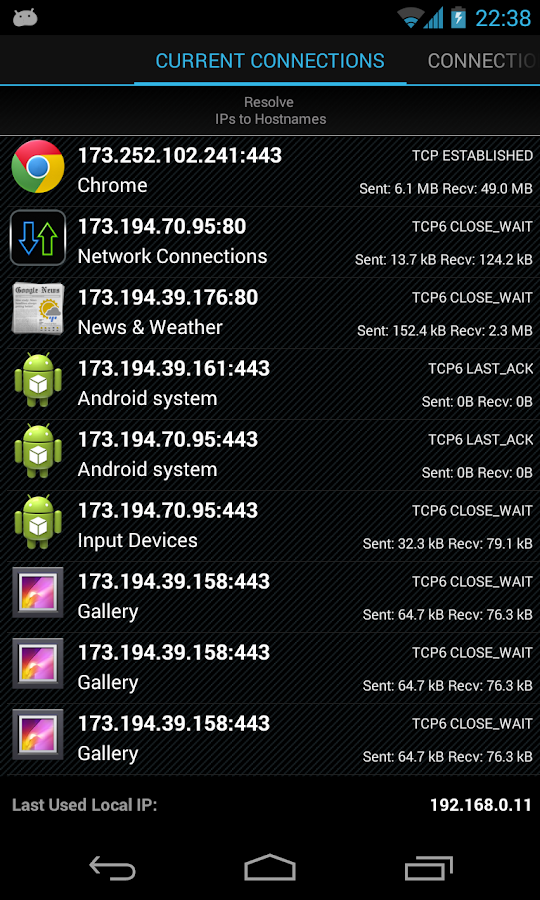
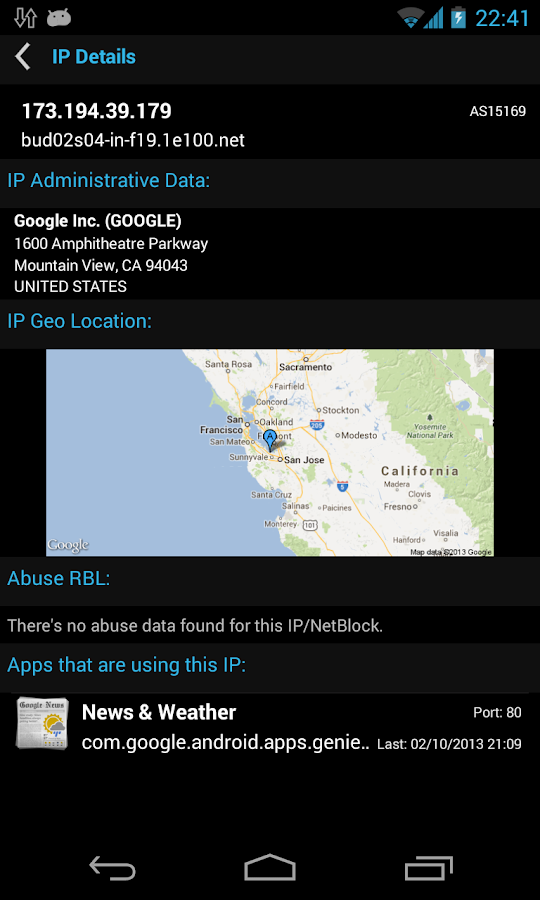
- Displays detailed IP information for each connection - IP address, reverse resolving (PTR), AS number, Abuse RBL data, administrative information, etc.
- Gets detailed info about each app that connects to remote servers and network connections used by it - permissions granted to each captured package and all IP addresses used by it.
- Real-time sort by most active, latest connections or by package name.
- Log and export the captured data.

IMPORTANT!
THE LICENSE KEY DOESN'T HAVE A LAUNCHER ICON ON YOUR HOME SCREEN AND CANNOT BE LAUNCHED.
IT ONLY NEEDS TO BE INSTALLED.

Click on INSTALL and the UNLOCK KEY will be automatically installed on your device.
You can find it as separate package in the "Settings" / "Manage Applications" list on your device.
If you want to check whether the UNLOCK KEY is successfully installed, open the Network Connections app (you should close it first if already opened), scroll to Settings tab, and click on Legal Terms button at the bottom.
There you will see a "LICENSE - Google Play" message.

Connections Used by The App:
Google IPs - Statistics and Maps
RIPE, ARIN - IP information

Network Connections - screenshot Network Connections Unlock Key - screenshot

What's New
- Bugfixes
- hostname resolving in "Current Connections" tab fixed
- performance optimizations
- IPv6 to translation IPv4 fix for some devices
- Intel Atom x86 CPUs IPv4 & IPv6 translations fix


Requires Android
2.1 and up

Updated
December 12, 2013

Current Version
1.0.9

Google Play

AppzTap (Download)

Facebook Like 2

Please leave a comment for Broken Links.
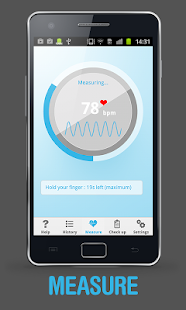
Network Monitor Mini PRO 1.0.96 APK


Network Monitor Mini PRO monitors the upload and download speed per second. It will always stay in the corner of your phone's screen. You can set the indicator to any corner of the screen, customize the color and transparency of the indicator. Pro version support auto-hides when there is no traffic, hide for specific apps and it is ad-free.