Pages

Showing posts with label Tablet. Show all posts

Sunday, December 15, 2013

HDR Camera+ (version 2.39) Apk

Cover art
Description

HDR Camera+ grew up into a better camera.
Full featured camera for Android!
11 shooting modes
Full camera control.

Full featured and fast HDR camera for Android.
Take pictures with vivid colors and rich detail:
- Simple: take an HDR image in one tap
- Full resolution
- Real HDR: exposure bracketing and tone mapping
- Zoom
- HDR images fused and tone mapped on device within seconds
- Hand shake compensation, no need to be rock-solid while shooting
- Correct handling of moving objects, de-ghosting
- You can control tone-mapping parameters: contrast, micro-contrast, color vividness, exposure
- Save original exposure bracketed images
- Location tagging
- Shutter sound can be muted (not on all models)
- Support for Flash on/off/auto

------------
Real life scenes often have a wide range of light intensity, which cannot be captured by a camera.
In a photo of such a scene the bright areas look washed out and everything in shadows is pictured as a black spot with no details.
The HDR technique allows you to capture details in bright and dark areas and have them merged in a single photo.
HDR photography is widely adopted by professional photographers.
Wouldn't it be nice to have an HDR in mobile phones?
The problem is that HDR requires taking several differently exposed images in series, which must be precisely aligned and then fused.
In order to be usable for real life scenes, the HDR feature should include moving object detection and hand shake compensation to avoid or minimize the ghosting in the final image.
That requires a lot of computational resources and makes a challenge even for professional desktop HDR software.
Almalence has brought its expertise in professional HDR software to mobile phones.
Our HDR fusion algorithms compensate hand shaking and detect moving objects in the scene, suppressing ghosting artifacts.
At the same time, the algorithms are quick enough to provide comfortable processing time on mobile devices.
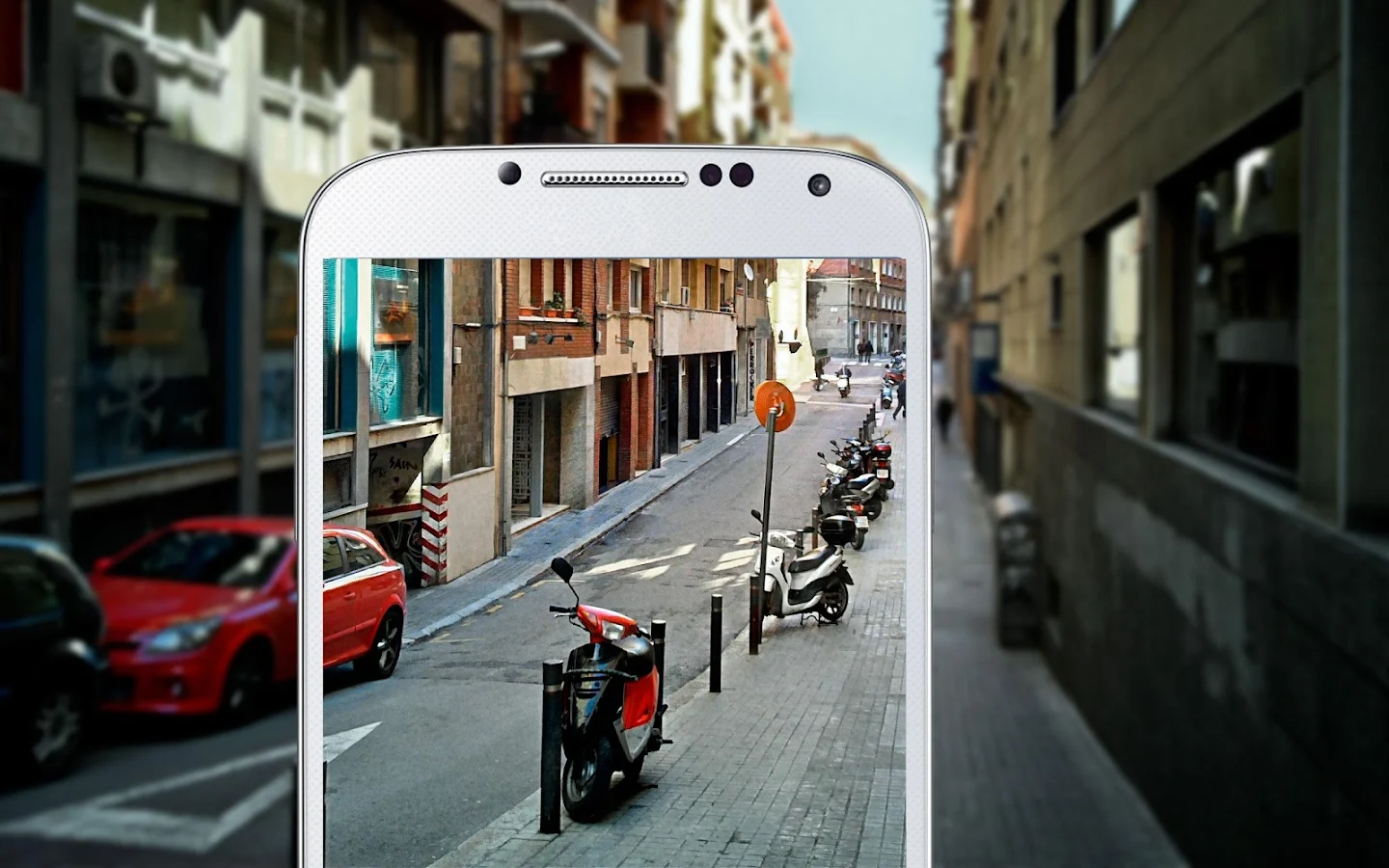
HDR Camera+ - screenshot

What's New
- stability fixes for Android kitkat
- vf brightness fixed on some devices


Requires Android
2.2 and up

Updated
December 13, 2013

Current Version
2.39

Google Play

AppzTap (Download)

Facebook Like 2

Please leave a comment for Broken Links.

Tuesday, December 10, 2013

Cloud SMS- Easy Tablet SMS! (version 2.2.2) Apk

Cover art

Description

Tired of putting down your Android tablet to check a new SMS on your phone? Me too.
Cloud SMS is run on both your Android phone and tablet to allow you to send and receive SMS messaging from your tablet.
My design goal was to build upon the stock Android Messaging app feel, with simplicity in mind.

Now with support for Android 4.4 KitKat!

This app works over the Internet and does not require bluetooth, does not share (or transmit) your contacts, and even hashes your account email for added security.
New in version 2.0.0, you can completely encrypt your messages between devices!
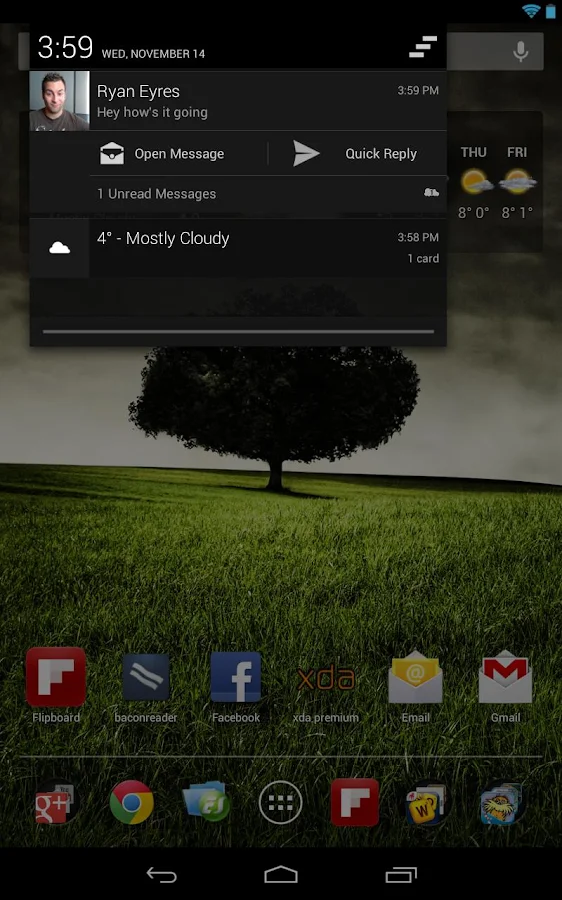
(Android 3.0 - 4.4) Dashclock support is also built in out of the box!

Setup Requirements:
1) Install and run on tablet.
2) Install and run on phone.
3) All done- send your first SMS from your tablet!

* Looking to send a message to a phone number instead of a contact? *
Open Settings and change the Contact List Style to Contact Search / Number Entry.
This option allows you to choose a contact by name with auto-complete, or by entering a phone number for the recipient.

Important Notes:
  • You will need to have the same Google account on both devices.
  • If you have multiple accounts, you may have to select the correct account in settings.
-= Common Issues =-
  •  Experiencing delays getting messages on your tablet while the screen is off?
  • Try changing your Wifi sleep policy.
  • Android Settings, Wifi, (menu) Advanced, Set Wifi to be Always on.
* Some third party SMS applications lock in the SMS data and require a setting change to make them share with other applications.

GO SMS:
Under 'Menu -> Settings -> Advanced -> Receive Settings'
  • Uncheck the box that says 'Disable other message notification'
MIUI Users:
In the MIUI messaging app go to "settings" and make sure "System MMS app priority" is unchecked.

Handcent Users:
Open Handcent -> Settings -> Application Settings -> Default Messaging application -> Disable.
You may have to reboot or restart Handcent's services for it to allow messages to go through after making this change.

Other SMS Apps:
Please look for any settings relating to passing on messages.

Go ahead and take your SMS to the Tablet!

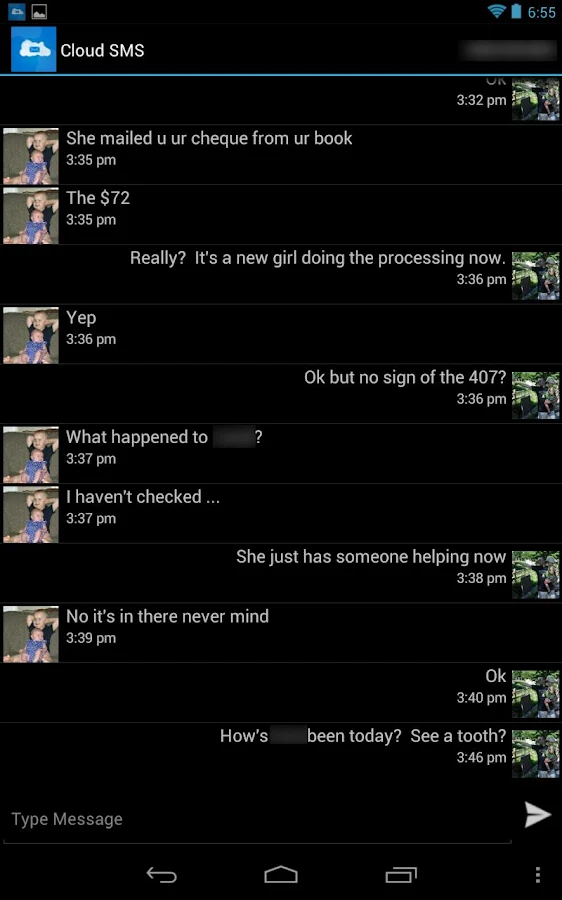
Cloud SMS - Easy Tablet SMS! - screenshot  Cloud SMS - Easy Tablet SMS! - screenshot

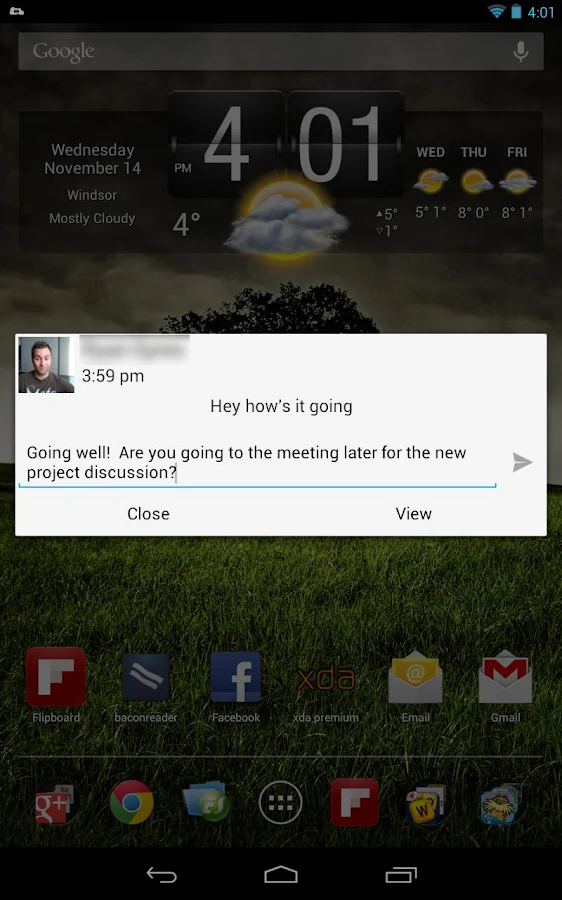
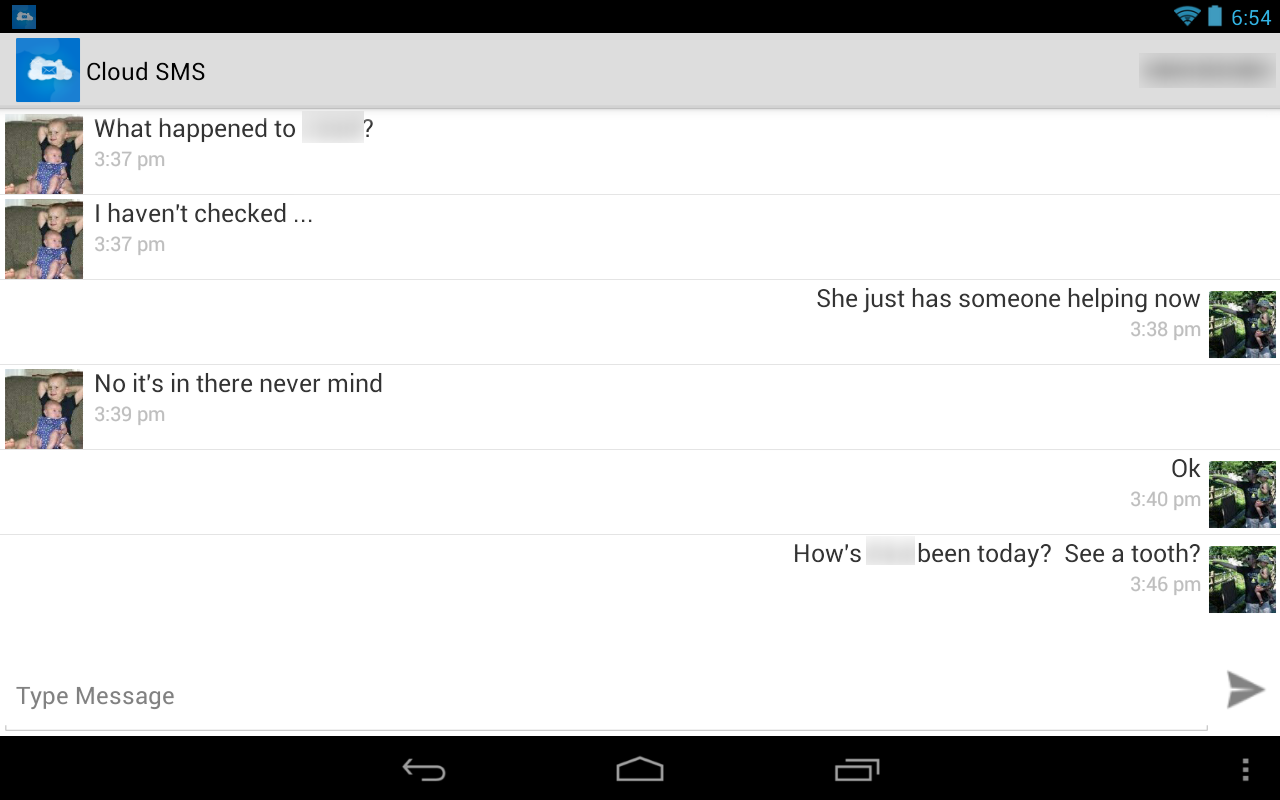
Cloud SMS - Easy Tablet SMS! - screenshot  Cloud SMS - Easy Tablet SMS! - screenshot

Cloud SMS - Easy Tablet SMS! - screenshot

What's New
2.2.2
* Fixed a registration bug where Cloud Services were unable to register if Google's service took longer than three seconds to respond.
* Changed the Settings description for Force Tablet Mode to better indicate how to use the feature.


Requires Android
2.2 and up

Updated
December 9, 2013

Current Version
2.2.2

Google play 3

PLEASE READ THIS FIRST! → "HOW TO DOWNLOAD" TUTORIAL!
android_download

Facebook Like 2

Please leave a comment for Broken Links.

Friday, December 6, 2013

SuperBeam WiFi Direct Share PRO (version 3.0.3) Apk

Cover art

Description

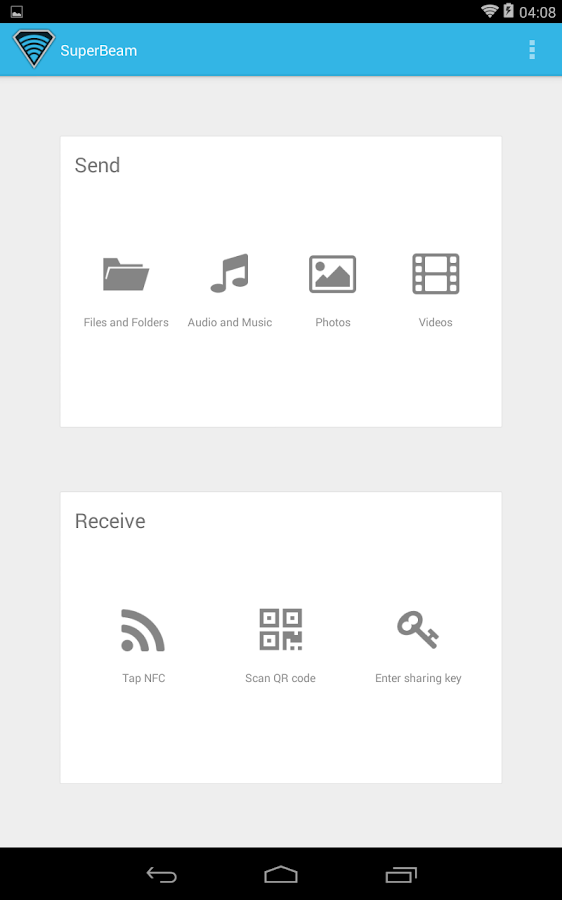
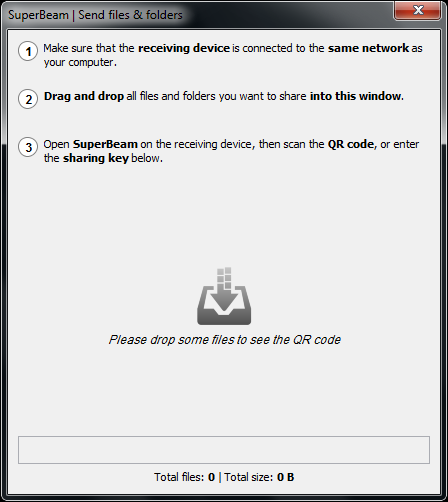
SuperBeam is the easiest and fastest way to share large files between Android devices using WiFi direct.
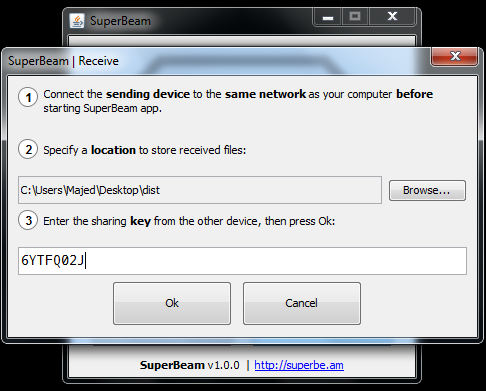
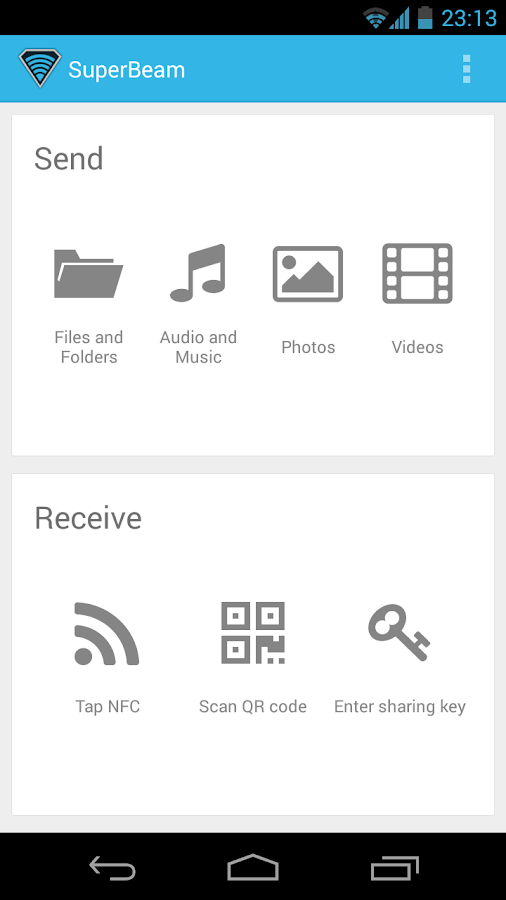
Devices can be paired using QR codes (with the included QR code scanner) , NFC or manual sharing key (PRO).

No more clicks and manual approvals for connections.
SuperBeam makes file sharing as convenient and fast as it should have been, because it is 2013 already!

Features:
• Blazing fast transfer speeds using WiFi direct.
• Pair devices using NFC or QR code scanning.
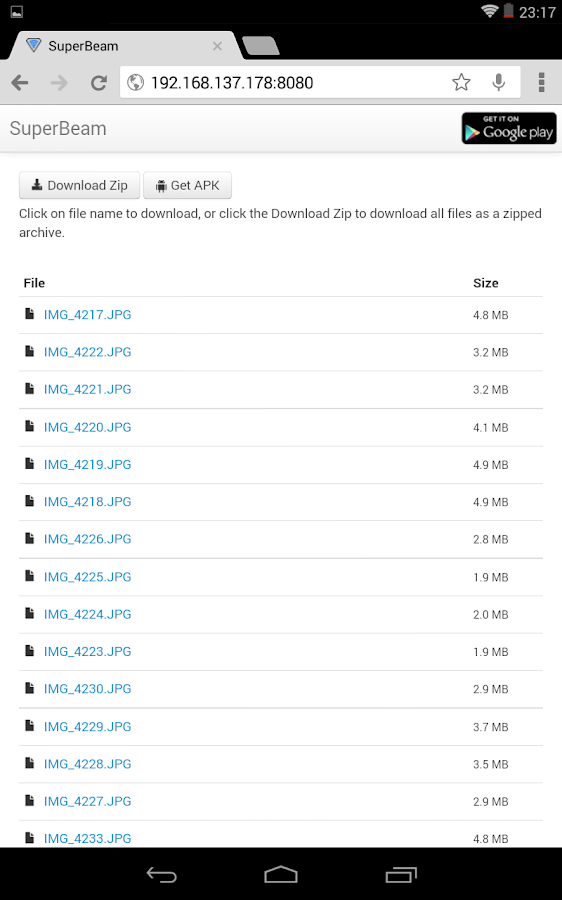
• Sharing with devices that do not have SuperBeam through web interface.
• Share single or multiple files of any type (photos, videos, zip files, APK's... You name it!).
• Supports Android 2.3.3 and later.
• Uses port 8080 for all types of transmissions, which means more compatibility on restricted WiFi networks.
• Light and dark color themes.

All received files are stored under "/sdcard/SuperBeam" directory by default, this can be changed in settings (PRO). Don't worry about duplicate files, SuperBeam will automatically add unique numbers to duplicate file names.

SuperBeam Switches to hotspot mode automatically for devices that doesn't support WiFi direct. Also, it can use existing WiFi network connection between devices in case WiFi direct fails.

SuperBeam PRO much more awesome features:
• No more ads.
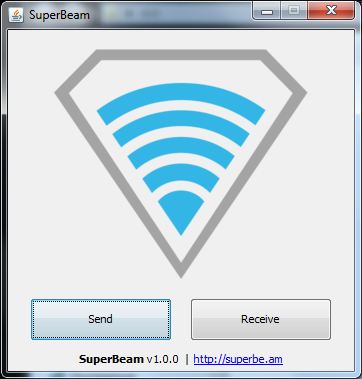
• SuperEasy sharing with your computer using SuperBeam app for PC (compatible with Windows, Linux and MacOS)
• Change default save location to any available storage.
• Send entire folders and preserve their structure.
• Receive using manual sharing keys.
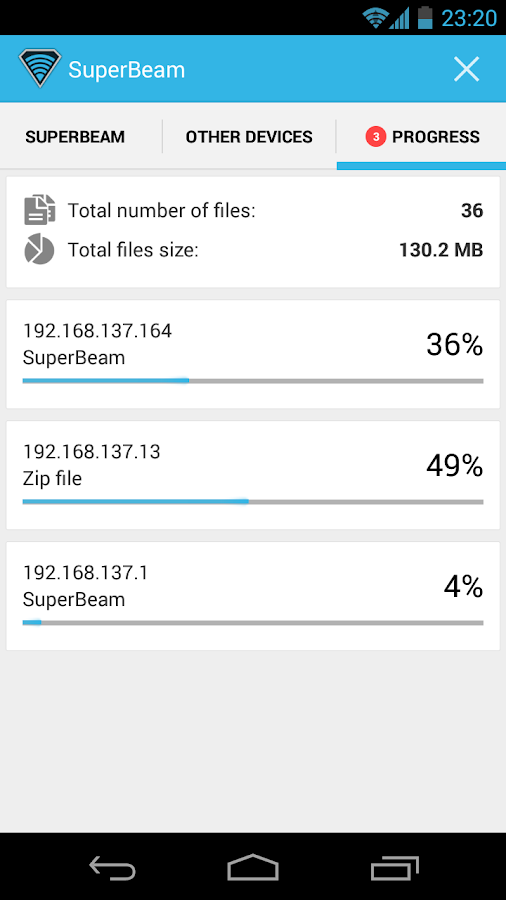
• Send to more than one device at the same time.
• Share unlimited number of files on web interface, with the ability to download complete structured zip and share SuperBeam APK.
• And much more!

Support:
For issues, questions and ideas: http://support.superbe.am
XDA support thread: http://forum.xda-developers.com/showthread.php?t=2177133

This app uses zxing library for QR code encoding and decoding (https://code.google.com/p/zxing/)

SuperBeam PRO Unlocker - screenshotSuperBeam PRO Unlocker - screenshot

SuperBeam PRO Unlocker - screenshotSuperBeam PRO Unlocker - screenshotSuperBeam PRO Unlocker - screenshot

SuperBeam PRO Unlocker - screenshotSuperBeam PRO Unlocker - screenshot

What's New

V3.0.3
- Fixed crash on Galaxy tablets


Requires Android
2.3.3 and up

Updated
December 4, 2013

Current Version
3.0.3

Google play 3

PLEASE READ THIS FIRST! → "HOW TO DOWNLOAD" TUTORIAL!
android_download

Facebook Like 2

Please leave a comment for Broken Links.
Wednesday, December 4, 2013

Cloud SMS- Easy Tablet SMS! (version 2.2.1) Apk

Cover art

Description
Tired of putting down your Android tablet to check a new SMS on your phone?
Me too.
Cloud SMS is run on both your Android phone and tablet to allow you to send and receive SMS messaging from your tablet.
My design goal was to build upon the stock Android Messaging app feel, with simplicity in mind.
Now with support for Android 4.4 KitKat!
This app works over the Internet and does not require bluetooth, does not share (or transmit) your contacts, and even hashes your account email for added security.

New in version 2.0.0, you can completely encrypt your messages between devices!
(Android 3.0 - 4.4) Dashclock support is also built in out of the box!

Setup Requirements:
1) Install and run on tablet.
2) Install and run on phone.
3) All done- send your first SMS from your tablet!

* Looking to send a message to a phone number instead of a contact? *

Open Settings and change the Contact List Style to Contact Search / Number Entry.
This option allows you to choose a contact by name with auto-complete, or by entering a phone number for the recipient.

Important Notes:
  • You will need to have the same Google account on both devices.
  • If you have multiple accounts, you may have to select the correct account in settings.
-= Common Issues =-
  •  Experiencing delays getting messages on your tablet while the screen is off?
  • Try changing your Wifi sleep policy.
  • Android Settings, Wifi, (menu) Advanced, Set Wifi to be Always on.
* Some third party SMS applications lock in the SMS data and require a setting change to make them share with other applications.

GO SMS: Under 'Menu -> Settings -> Advanced -> Receive Settings'
  • Uncheck the box that says 'Disable other message notification'
MIUI Users:
In the MIUI messaging app go to "settings" and make sure "System MMS app priority" is unchecked.

Handcent Users:
Open Handcent -> Settings -> Application Settings -> Default Messaging application -> Disable. You may have to reboot or restart Handcent's services for it to allow messages to go through after making this change.

Other SMS Apps:
Please look for any settings relating to passing on messages.

Go ahead and take your SMS to the Tablet!

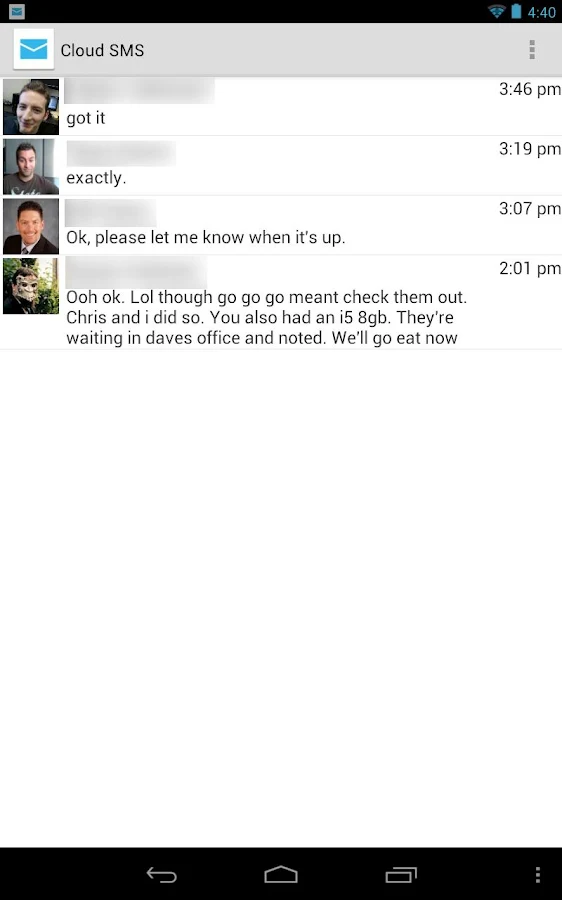
Cloud SMS - Easy Tablet SMS! - screenshot  Cloud SMS - Easy Tablet SMS! - screenshot
Cloud SMS - Easy Tablet SMS! - screenshot

What's New

v2.2.1
* Fixed KitKat bug with contact selection when "Show Only Mobile Numbers" was unchecked.
* Fixed display of dialog to users when selecting a contact with no mobile categorized numbers.
* Fixed other small bugs.

Requires Android
2.2 and up

Updated
December 2, 2013

Current Version
2.2.1

Google play 3

PLEASE READ THIS FIRST! → "HOW TO DOWNLOAD" TUTORIAL!
android_download

Facebook Like 2

Please leave a comment for Broken Links.