Pages

Showing posts with label Homescreen. Show all posts

Sunday, December 15, 2013

Minimalistic Text PRO (version 3.0.11.4) APK

Cover art
Description

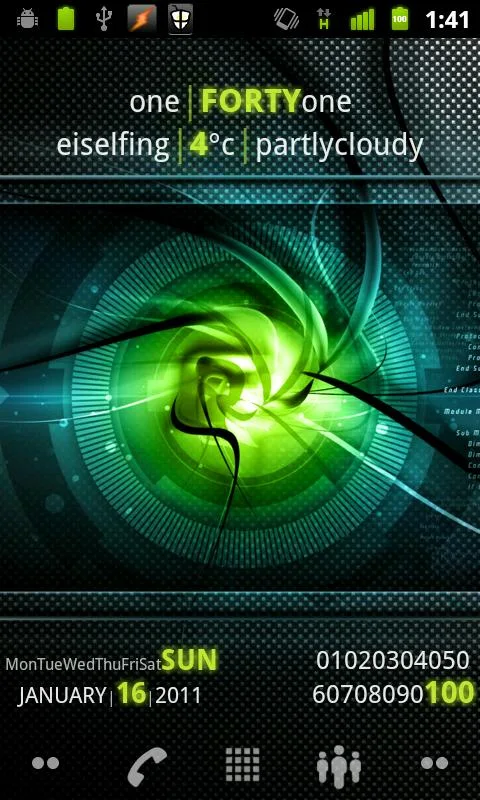
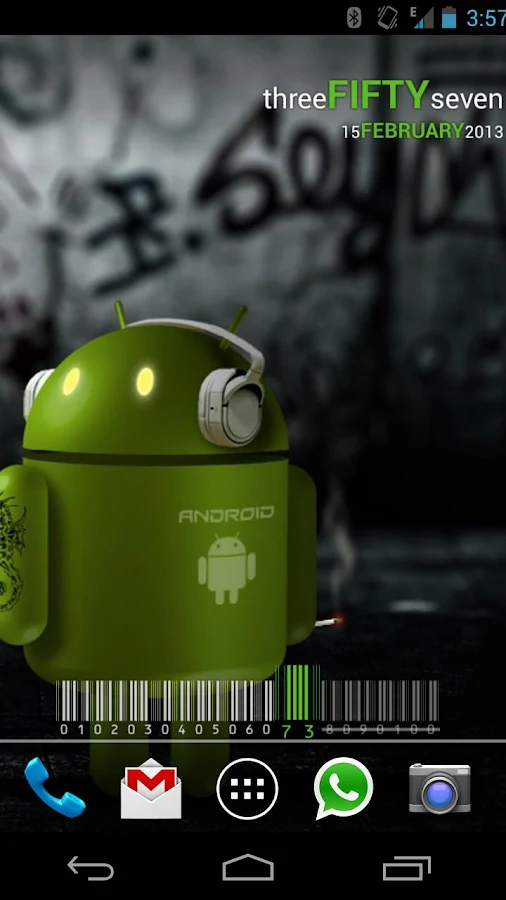
Minimalistic Text is a widget app that displays information in a minimalistic way.
It can be configured to display time, date, battery and weather information.
The layout of the widget is highly customizable through the layout editor.

Supported languages:
* English
* Danish
* German
* Greek
* Dutch
* Polish
* Norwegian
* French
* Croatian
* Serbian
* Czech
* Spanish
* Estonian
* Italian
* Portuguese
* Hungarian
* Russian
* Swedish
* Simplified Chinese
* Traditional Chinese
* Slovak
* Afrikaans
* Slovenian
* Hebrew
* Bulgarian
* Catalan
* Korean
* Turkish
* Finnish
* Ukrainian
* Arabic

Explanations for the permission requests:

** android.permission.VIBRATE **
used in the layout editor to give feedback that an item has been dragged

** android.permission.ACCESS_COARSE_LOCATION **
used by the weather service to get your coarse location and retrieve the weather for it

** android.permission.ACCESS_NETWORK_STATE **
needed to determine if the weather data can be fetched

** android.permission.INTERNET **
needed to actually retrieve the weather data and to get the name of the location you are

** android.permission.RECEIVE_BOOT_COMPLETED **
needed to be able to wait until the phone booted before initializing

** android.permission.WRITE_EXTERNAL_STORAGE **
to gain access to your SD card and save the preferences to it

** android.permission.GET_TASKS **
used to determine if the home screen is currently active. This is used by the automatic rendering option

** android.permission.CHANGE_COMPONENT_ENABLED_STATE **
To enable / disable widget sizes

** android.permission.ACCESS_WIFI_STATE **
To support WiFi variables

** android.permission.READ_CALENDAR **
To support calendar events

** com.android.vending.BILLING **
To support In-App donation

** de.devmil.minimaltext.permission.USE_DIRECT_CALL_ADDON **
allows Minimalisitc Text to use the Minimalistic Text direct call addon (if it is installed)

Now with Buzz Launcher support!
Minimalistic Text can be restored exactly the way it has been packed using the Buzz Launcher.

Tasker integration:
1) add a Locale variable to your layout and set the variable name (click it)
2) in Tasker select Plugins -> Minimalistic Text for an action
3) Click "Edit", a new activity starts
4) enter the name of the variable and the text that should be displayed for this variable (you can use Tasker variables)
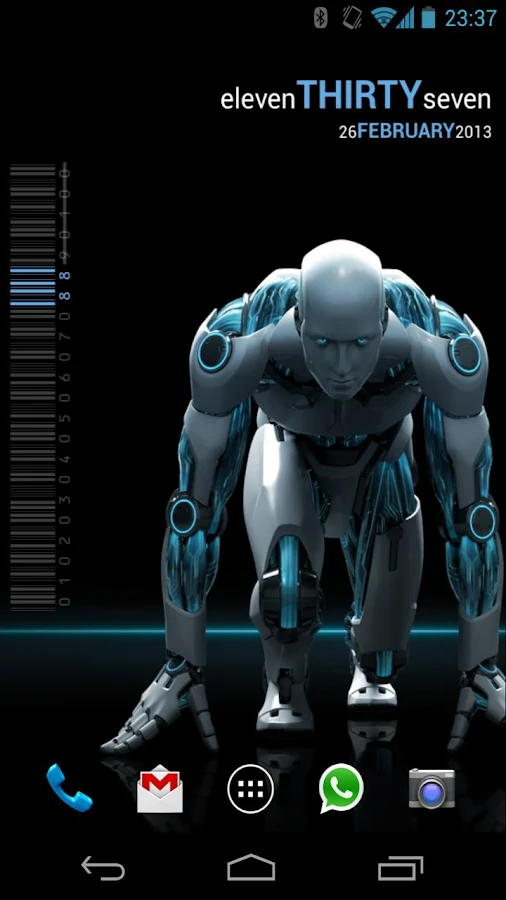
Minimalistic Text - screenshot Minimalistic Text - screenshot Minimalistic Text - screenshot

What's New
- added Arabic translation
- Translation updates
- Unicode support (\uxxxx)
- fixed some KitKat issues


Requires Android
2.2 and up

Updated
December 10, 2013

Current Version
3.0.11.4

AppzTap (YouTube)

Google Play

AppzTap (Download)

Facebook Like 2

Please leave a comment for Broken Links.

Tuesday, December 10, 2013

AppDialer PRO–T9 App Searching (version 4.1) APK

Cover art

Description

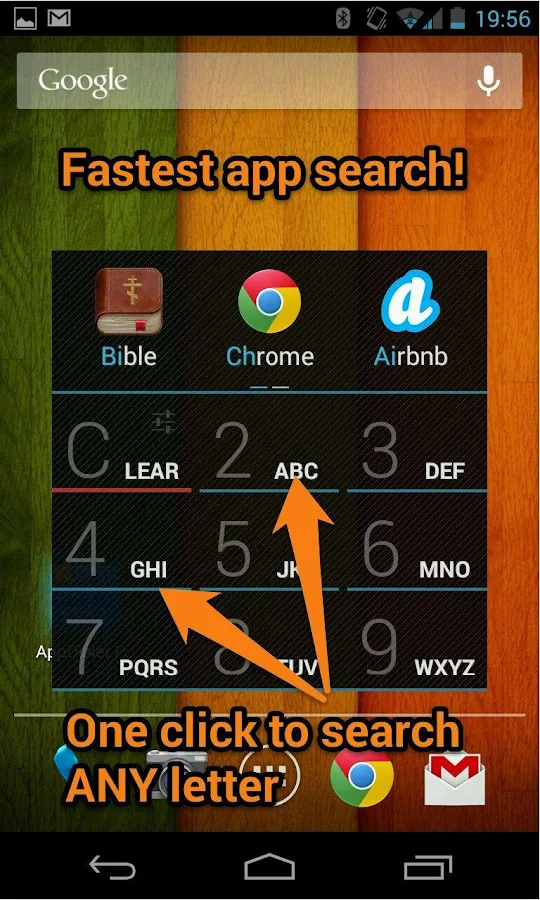
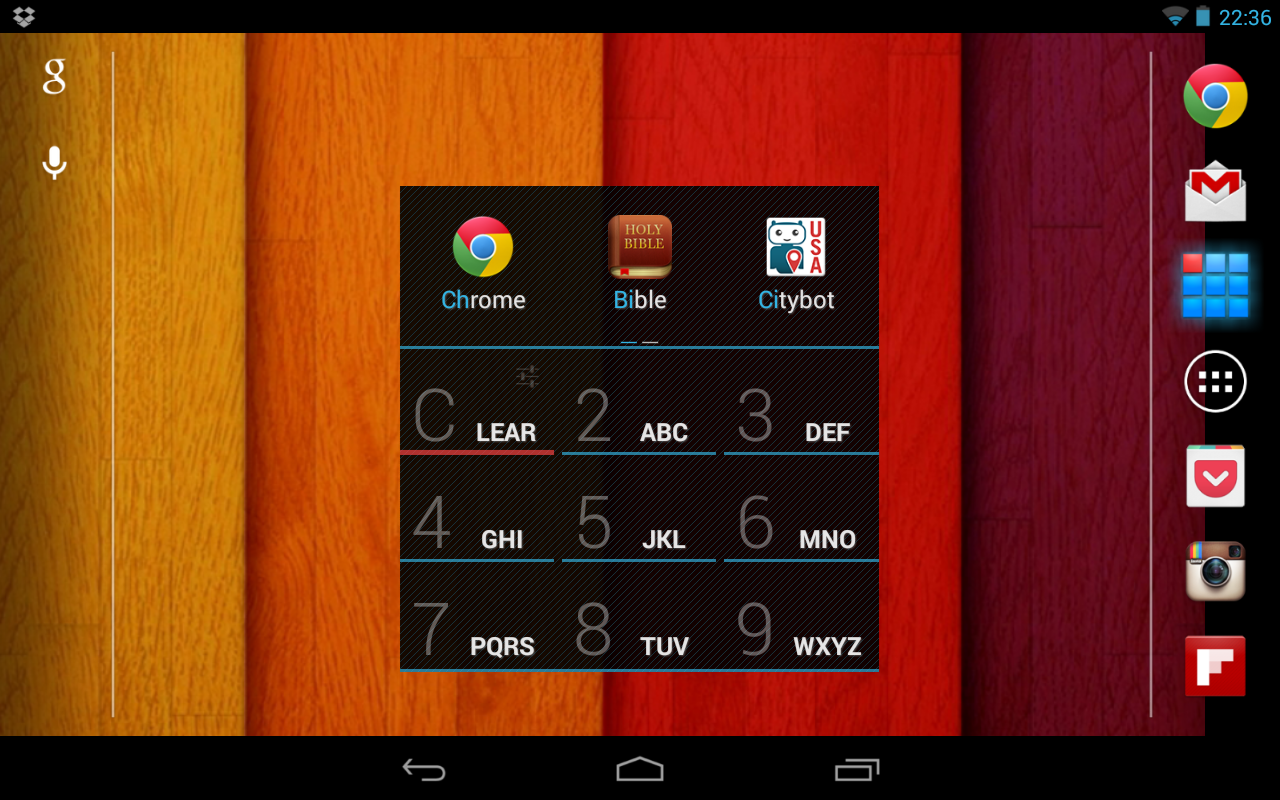
The App Dialer provides a revolutionary way to app search! Only a few clicks on a simple T9 keyboard are required to launch any app. This saves time when you need to find and launch apps quickly.

It features:
★ Local app searching by app name or vendor name
★ A Ranking System that lists “most-used” apps in descending order
★ An easy-to-use T9 keyboard
★ Lightning-fast searching
★ A “quick launch” panel in the notifications area
★ Options to uninstall apps, pin icons to the Home screen or get app info
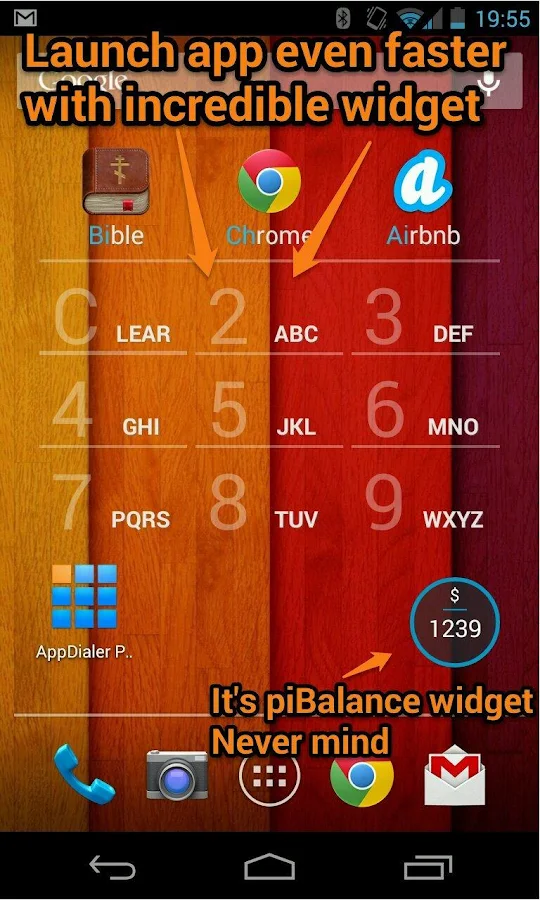
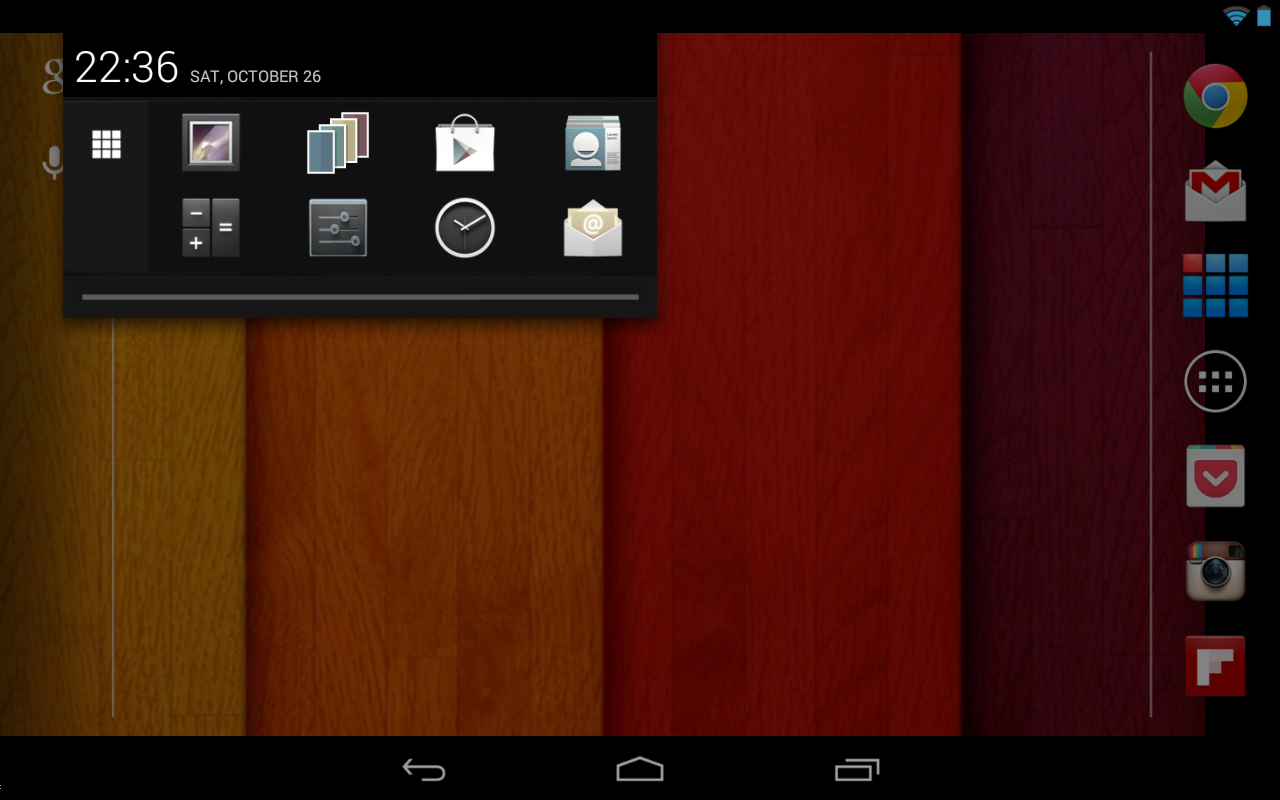
★ Widget

The App Dialer is like a T9 "dialer”.
It searches and launches apps as fast as possible.
Just press on any number-pad button to search for any symbol on it.
App Dialer lets you quickly access applications on your Android device by searching application names or vendor names using a simple T9 keyboard.
It continuously refines search results as you press each of the nine buttons, and improves as it learns from your launch history.
Compare with built-in Google Search.
App Dialer works like Google Search but is much faster and easier.
Google Search uses an old-fashioned Qwerty keyboard, which is annoying when quick searching but App Dialer uses a specially designed T9 keyboard for easy app searching.

http://www.xda-developers.com/android/appdialer-t9-makes-searching-for-apps-easy-and-fast/

AppDialer Pro–T9 app searching - screenshot AppDialer Pro–T9 app searching - screenshot AppDialer Pro–T9 app searching - screenshot

AppDialer Pro–T9 app searching - screenshot

AppDialer Pro–T9 app searching - screenshot

What's New

==4.1==
Large pixel perfect icons in app and widget
Dramatically increase speed search in widget

==4.0.1/4.02==
Fixed some app crashes
Widget resizes correctly on some launchers

==4.0==
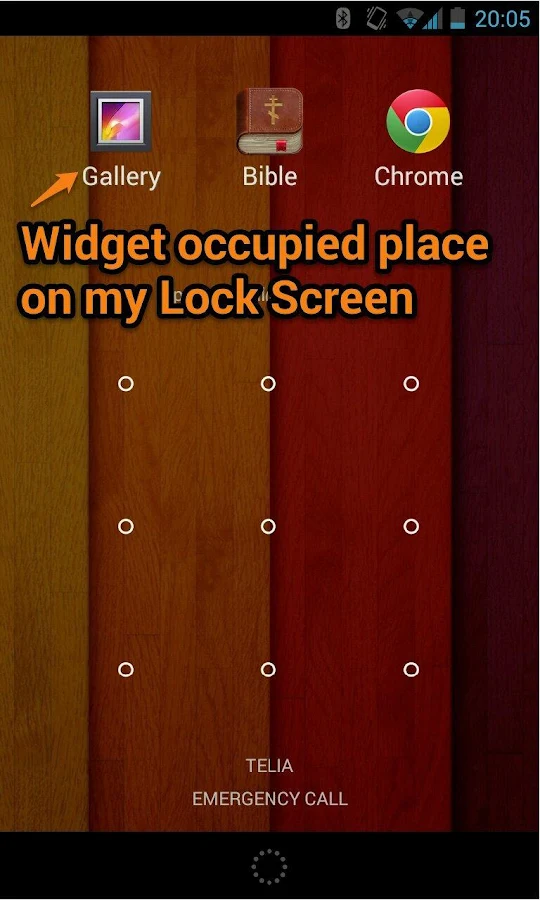
★ Powerful widget! Launch app even more quickly! From Home screen or even from Lock screen.
Speeded up launch app a bit
Hide AppDialer in system recent apps list

Requires Android
4.0.3 and up

Updated
December 7, 2013

Current Version
4.1

App TUTORIAL →  youtube_play

Google play 3

PLEASE READ THIS FIRST! → "HOW TO DOWNLOAD" TUTORIAL!
android_download

Facebook Like 2

Please leave a comment for Broken Links.