Pages

Showing posts with label ApkFile. Show all posts

Saturday, December 28, 2013

SuperBeam WiFi Direct Share PRO 3.0.4 Apk

SuperBeam WiFi Direct Share PRO

Description

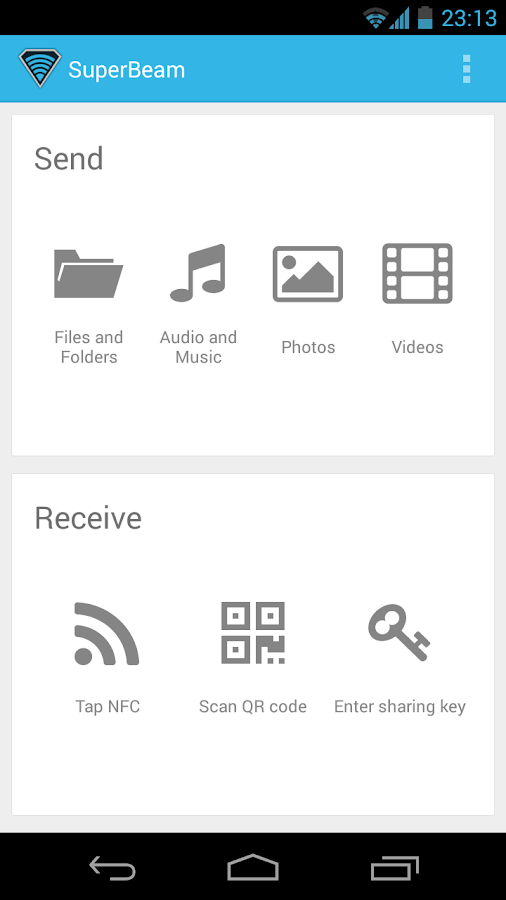
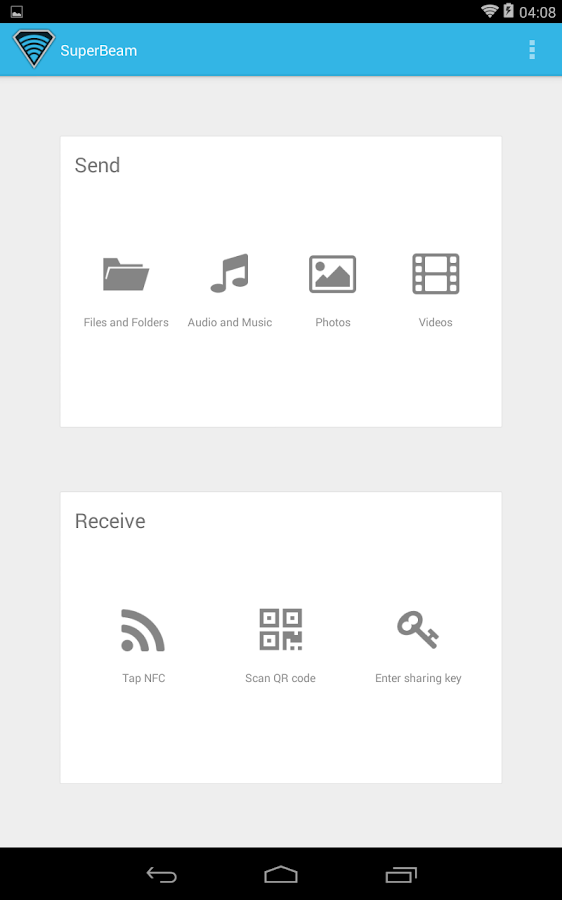
SuperBeam is the easiest and fastest way to share large files between Android devices using WiFi direct. Devices can be paired using QR codes (with the included QR code scanner) , NFC or manual sharing key (PRO). No more clicks and manual approvals for connections. SuperBeam makes file sharing as convenient and fast as it should have been, because it is 2013 already.

Features:
  • Blazing fast transfer speeds using WiFi direct.
  • Pair devices using NFC or QR code scanning.
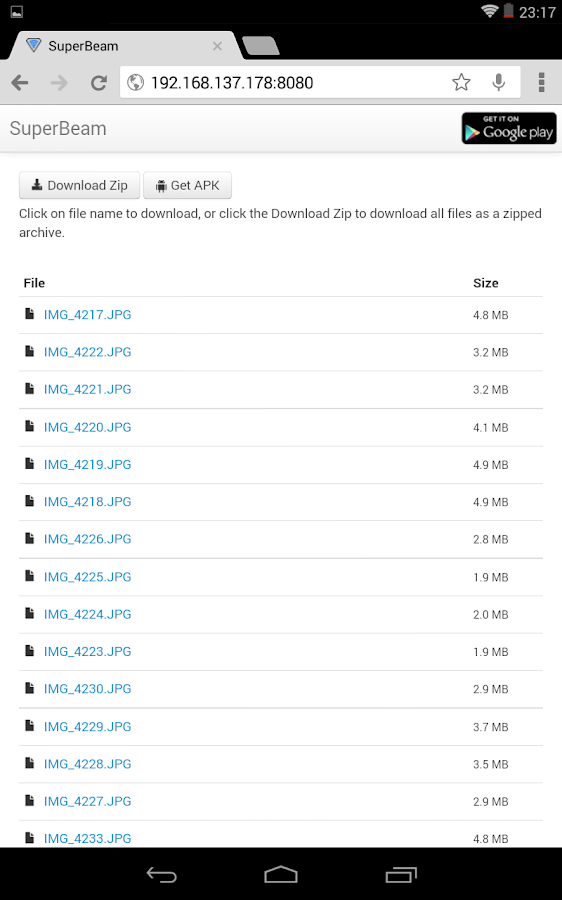
  • Sharing with devices that do not have SuperBeam through web interface.
  • Share single or multiple files of any type (photos, videos, zip files, APK's... You name it).
  • Supports Android 2.3.3 and later.
  • Uses port 8080 for all types of transmissions, which means more compatibility on restricted WiFi networks.
  • Light and dark color themes.
All received files are stored under "/sdcard/SuperBeam" directory by default, this can be changed in settings (PRO). Don't worry about duplicate files, SuperBeam will automatically add unique numbers to duplicate file names. SuperBeam Switches to hotspot mode automatically for devices that doesn't support WiFi direct. Also, it can use existing WiFi network connection between devices in case WiFi direct fails.

SuperBeam PRO much more awesome features:
  • No more ads.
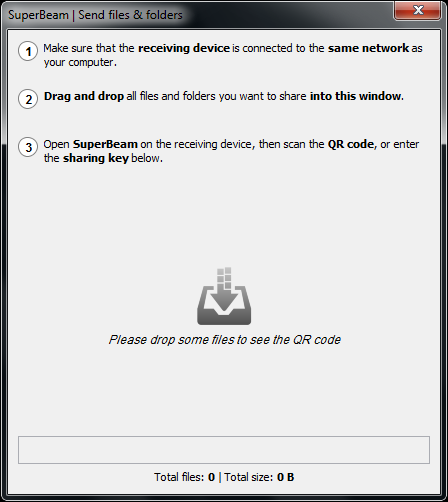
  • SuperEasy sharing with your computer using SuperBeam app for PC. (compatible with Windows, Linux and MacOS)
  • Change default save location to any available storage.
  • Send entire folders and preserve their structure.
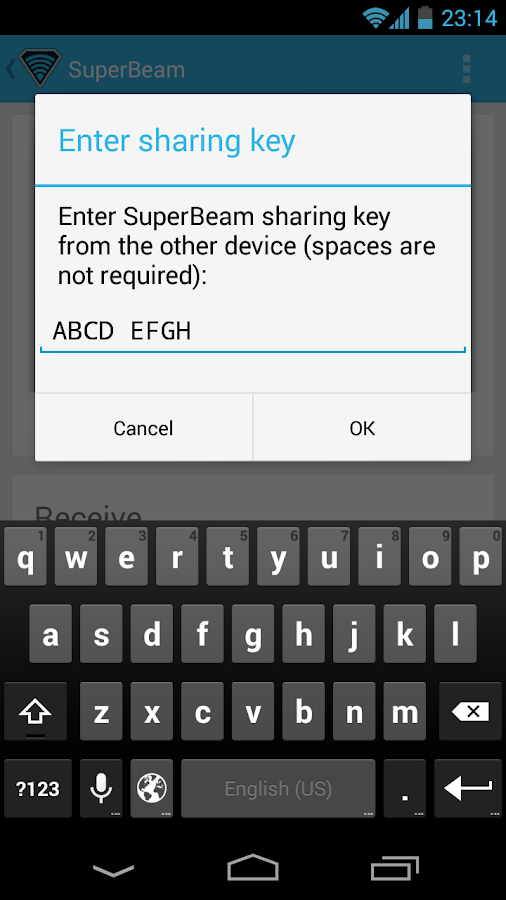
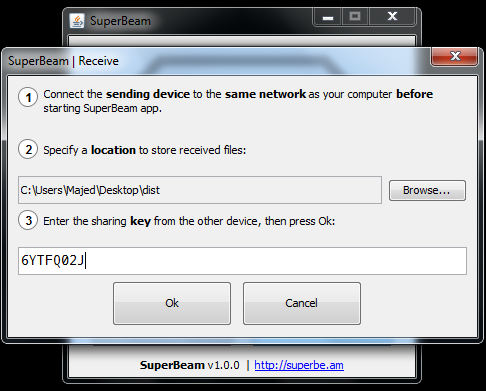
  • Receive using manual sharing keys.
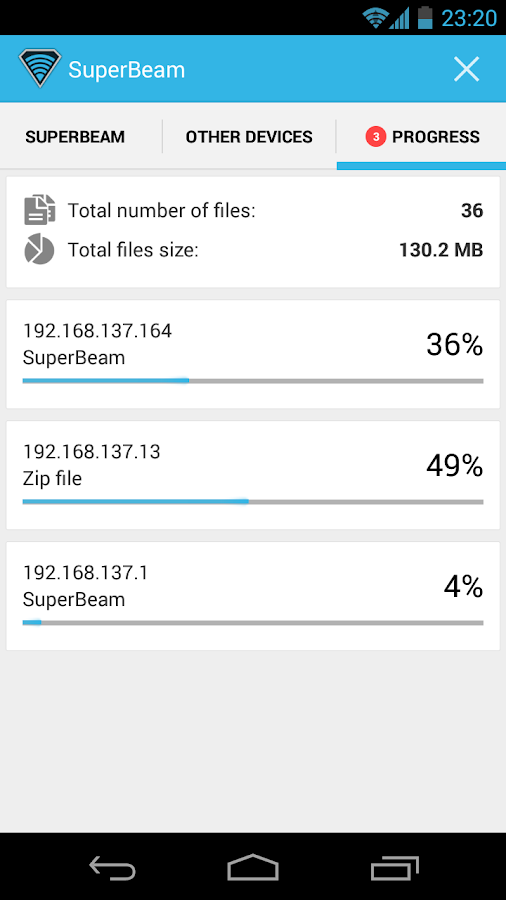
  • Send to more than one device at the same time.
  • Share unlimited number of files on web interface, with the ability to download complete structured zip and share SuperBeam APK and much more.
This app uses zxing library for QR code encoding and decoding (https://code.google.com/p/zxing/)

SuperBeam PRO Unlocker - screenshot

SuperBeam PRO Unlocker - screenshot SuperBeam PRO Unlocker - screenshot SuperBeam PRO Unlocker - screenshot

What's New
  • Bugfixes for "connection dropped" issues.
  • QR code for web URL.
  • Ability to set empty hotspot password.
  • Revamped send photos & videos screens.
  • Fixed scanner orientation issue.
  • Russian, French and Italian languages
Requires Android
2.3.3 and up

Updated
December 25, 2013

Current Version
3.0.4

Google Play

AppzTap (Download)

Facebook Like 2

Please leave a comment for Broken Links.

Friday, December 6, 2013

SuperBeam WiFi Direct Share PRO (version 3.0.3) Apk

Cover art

Description

SuperBeam is the easiest and fastest way to share large files between Android devices using WiFi direct.
Devices can be paired using QR codes (with the included QR code scanner) , NFC or manual sharing key (PRO).

No more clicks and manual approvals for connections.
SuperBeam makes file sharing as convenient and fast as it should have been, because it is 2013 already!

Features:
• Blazing fast transfer speeds using WiFi direct.
• Pair devices using NFC or QR code scanning.
• Sharing with devices that do not have SuperBeam through web interface.
• Share single or multiple files of any type (photos, videos, zip files, APK's... You name it!).
• Supports Android 2.3.3 and later.
• Uses port 8080 for all types of transmissions, which means more compatibility on restricted WiFi networks.
• Light and dark color themes.

All received files are stored under "/sdcard/SuperBeam" directory by default, this can be changed in settings (PRO). Don't worry about duplicate files, SuperBeam will automatically add unique numbers to duplicate file names.

SuperBeam Switches to hotspot mode automatically for devices that doesn't support WiFi direct. Also, it can use existing WiFi network connection between devices in case WiFi direct fails.

SuperBeam PRO much more awesome features:
• No more ads.
• SuperEasy sharing with your computer using SuperBeam app for PC (compatible with Windows, Linux and MacOS)
• Change default save location to any available storage.
• Send entire folders and preserve their structure.
• Receive using manual sharing keys.
• Send to more than one device at the same time.
• Share unlimited number of files on web interface, with the ability to download complete structured zip and share SuperBeam APK.
• And much more!

Support:
For issues, questions and ideas: http://support.superbe.am
XDA support thread: http://forum.xda-developers.com/showthread.php?t=2177133

This app uses zxing library for QR code encoding and decoding (https://code.google.com/p/zxing/)

SuperBeam PRO Unlocker - screenshotSuperBeam PRO Unlocker - screenshot

SuperBeam PRO Unlocker - screenshotSuperBeam PRO Unlocker - screenshotSuperBeam PRO Unlocker - screenshot

SuperBeam PRO Unlocker - screenshotSuperBeam PRO Unlocker - screenshot

What's New

V3.0.3
- Fixed crash on Galaxy tablets


Requires Android
2.3.3 and up

Updated
December 4, 2013

Current Version
3.0.3

Google play 3

PLEASE READ THIS FIRST! → "HOW TO DOWNLOAD" TUTORIAL!
android_download

Facebook Like 2

Please leave a comment for Broken Links.
InstaSave PRO- Instagram Save (version 1.0.1.2) APK

Cover art

Description

Have you lost your phone, your Instagram photos or just want to be safe and perform a backup?
Did you loved that one beautiful Instagram photo and want to keep it forever?
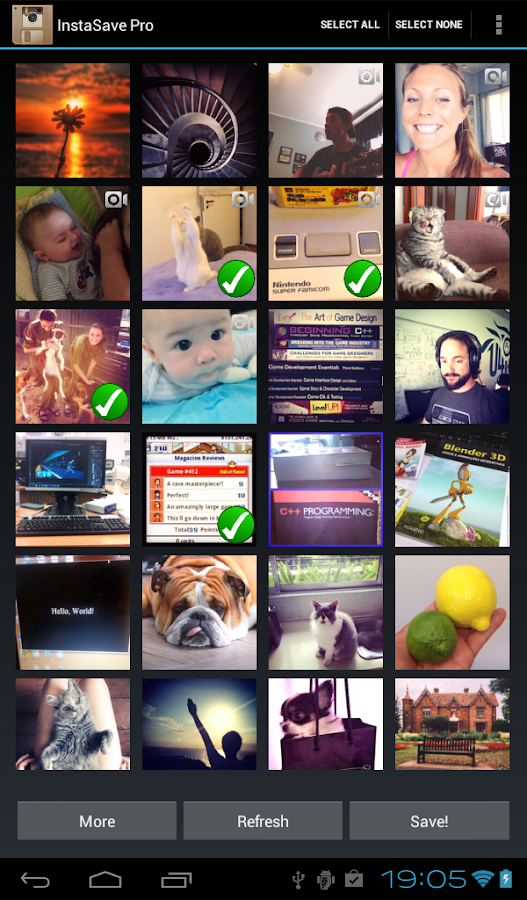
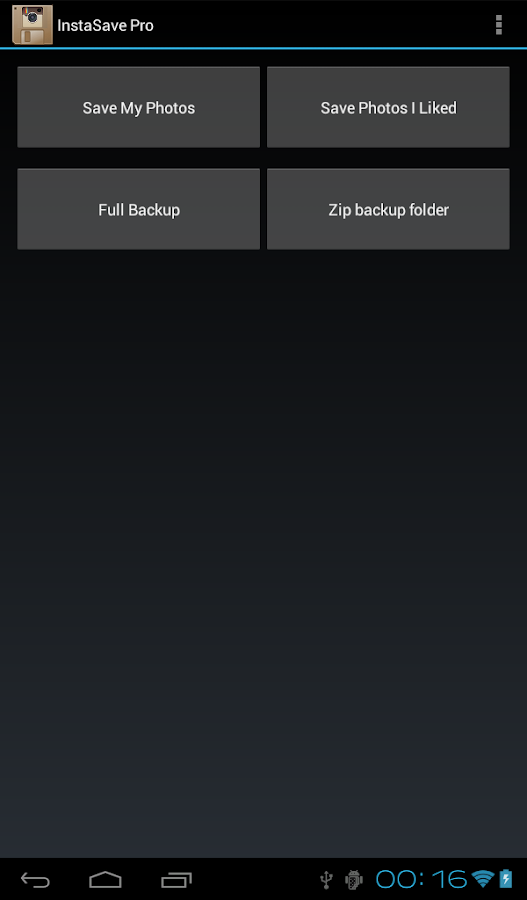
InstaSave allows you to save your Instagram photos and also the photos you liked to your device memory, allowing you to see them anytime, anywhere.

Pro Version Features:
- Save Instagram videos also
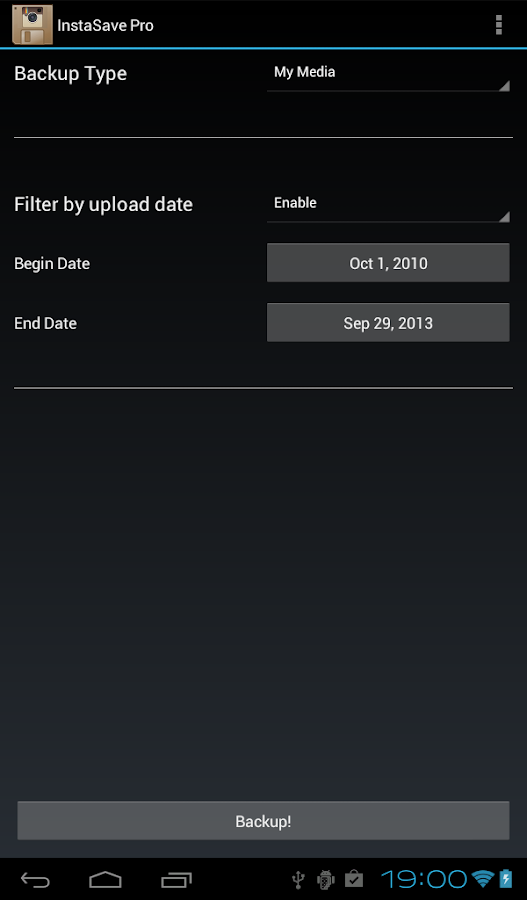
- Perform a full backup with a tap
- Create a zip file containing all the saved files for compact storage and transfer
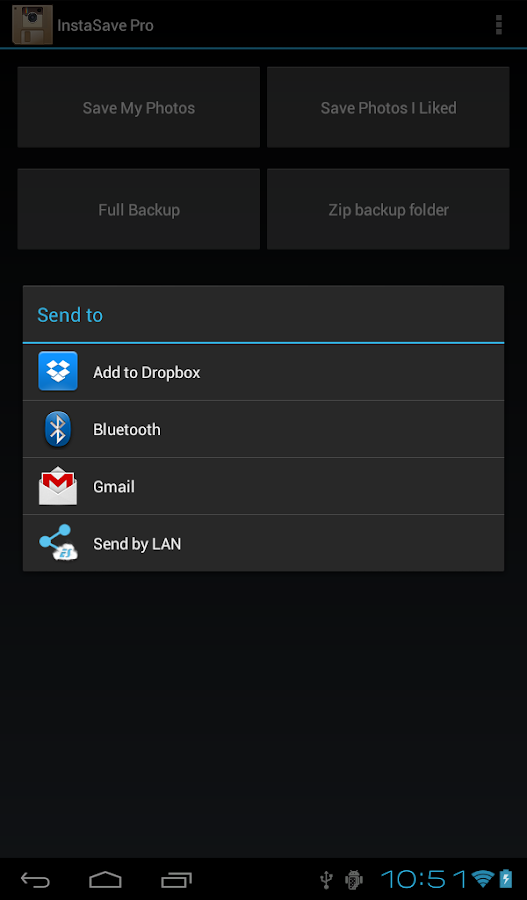
- Send your zip file to Dropbox, Email, Bluetooth, etc with a tap

Other Features:
- Save any of your Instagram photos to your device memory
- Save any of the photos you liked to your device memory
- Select the photos to download one by one
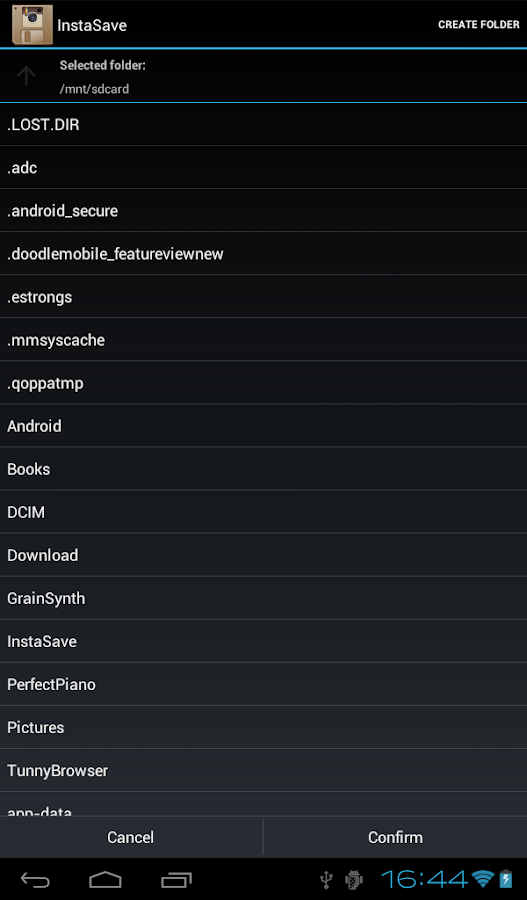
- Easily choose the folder to save the photos
- Simple and straight to the point interface

Please do not use this program to save photos without the permission of the respective owners.
Respect the rights of the Instagram users.
InstaSave uses the Instagram public API and depends on the Instagram servers.
InstaSave uses the OAuth 2.0 protocol to authenticate the user.

InstaSave Pro - Instagram Save - screenshotInstaSave Pro - Instagram Save - screenshot

InstaSave Pro - Instagram Save - screenshotInstaSave Pro - Instagram Save - screenshotInstaSave Pro - Instagram Save - screenshot

What's New

1.0.12
- Quick fix of a login proble


Requires Android
2.2 and up

Updated
November 11, 2013

Current Version
1.0.1.2

Google play 3

PLEASE READ THIS FIRST! → "HOW TO DOWNLOAD" TUTORIAL!
android_download

Facebook Like 2

Please leave a comment for Broken Links.