Pages

Showing posts with label Applications. Show all posts

Tuesday, December 10, 2013

1Tap Eraser PRO (version 2.0) Apk

Cover art

Description

1Tap Eraser is a one-click clean up for your phone. Erase your footprints, clean up garbage including:
☆ App cache
☆ Call logs/ call history
☆ SMS/MMS
☆ Browser history
☆ Picture albums/items (PRO)
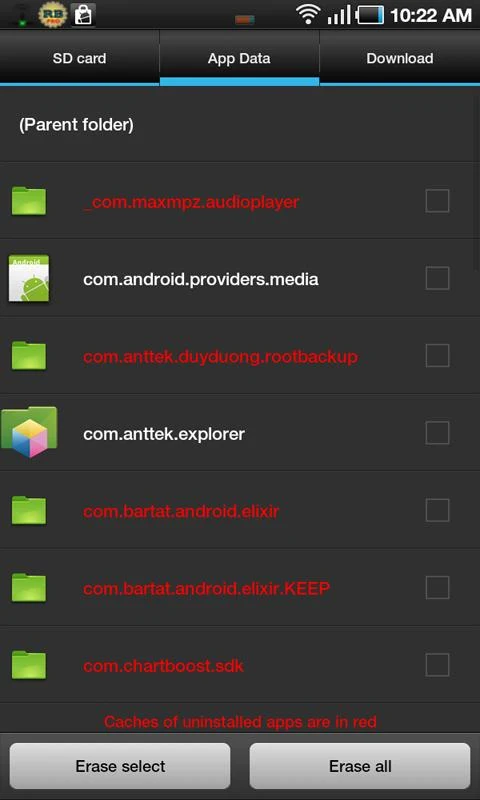
☆ SD Card (highlight caches of uninstalled apps - PRO)
☆ Chrome history
☆ Other search history

4 eraser mode
☆ Automatic eraser
☆ On-the-fly eraser (PRO)
☆ 1-click eraser
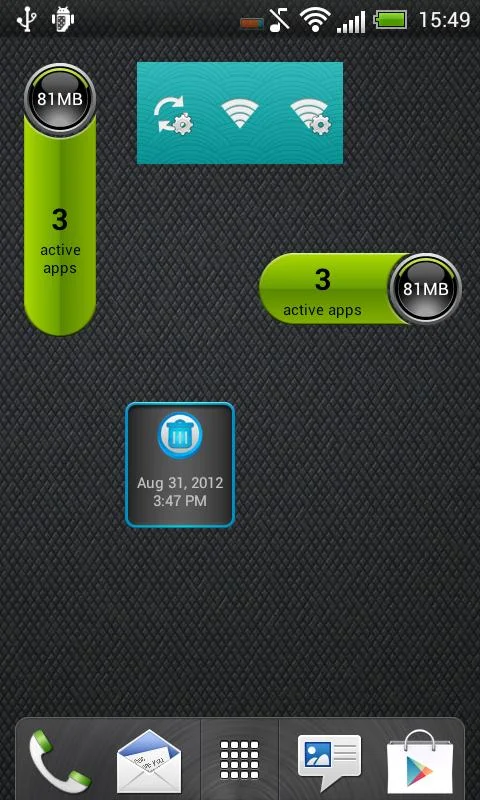
☆ 1-click widget eraser
☆ Erase per history type

Two configurations
☆ Blacklist vs whitelist contacts
☆ Blacklist vs whitelist URLs

Supported languages
☆ English
☆ Español
☆ ελληνικά
☆ Deutsch
☆ Français
☆ čeština
☆ Português
☆ Pу́сский
☆ Tiếng Việt
☆ Other languages will be available soon

How 1tap Eraser works?
1Tap Eraser brings a new way to clean up your phone: blacklist vs whitelist & manually vs automatically.
Blacklist vs whitelist mode help you to define which data you want to clean or which one to be retained.
While manual erasing is the most useful tool, you can clean in a very fine grain: data item (says a missed call or an URL from browser history).
It’s yet simple to interact with data items and opt-in/out via blacklist/whitelist.
Automatic erasing is another cool stub, ex. I want to delete browser history at 5PM every day.
Once you set, you phone will be cleaned up at the desired time (with desired items)

How to work 1tap Eraser?
Your data is important. We know.
We recommend that you should setup blacklist/whitelist before starting erasing your data.

Please pay attention at the confirmation dialog before press “Continue” button (no roll back at this point!)
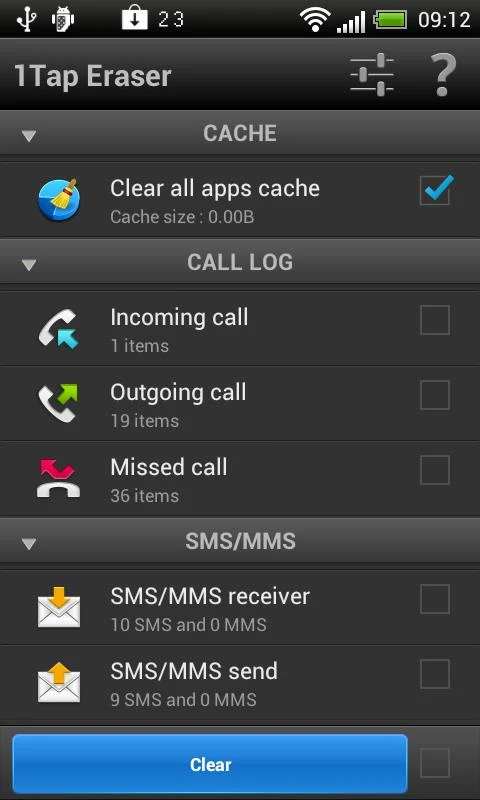
☆ Select data item to be eraser and tap on “Eraser” to erase selected data.
☆ Setup auto-erasing (starting time, frequency, data item to be erased)
☆ Widget erasing: option to clean up from homescreen widget
☆ Other settings:

- Blacklist/whitelist browser
- Blacklist/whitelist contacts
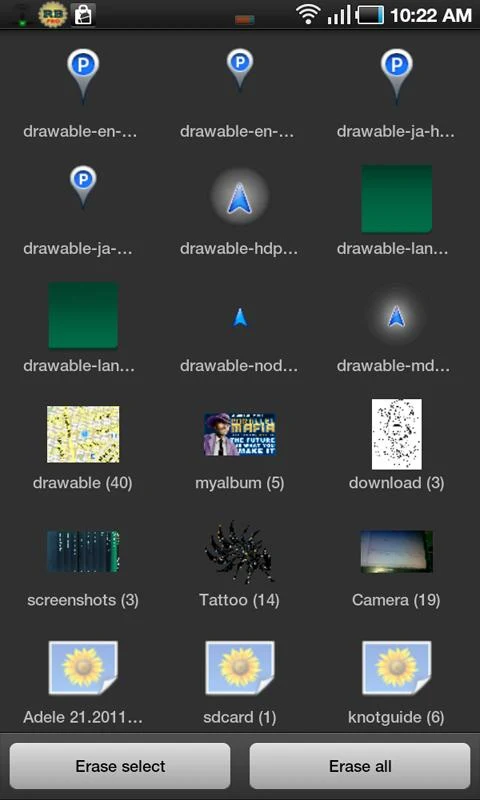
1Tap Eraser Pro - screenshot 1Tap Eraser Pro - screenshot

1Tap Eraser Pro - screenshot 1Tap Eraser Pro - screenshot

What's New

Ver 2.0
- Kit Kat compatible
Full change logs: http://www.rootuninstaller.com/2012/11/1tap-eraser-change-logs.html


Requires Android
2.2 and up

Updated
December 6, 2013

Current Version
2.0

Google play 3

PLEASE READ THIS FIRST! → "HOW TO DOWNLOAD" TUTORIAL!
android_download

Facebook Like 2

Please leave a comment for Broken Links.

Sunday, December 8, 2013

AutoContacts PRO (version 1.1.6) APK

Cover art

Description

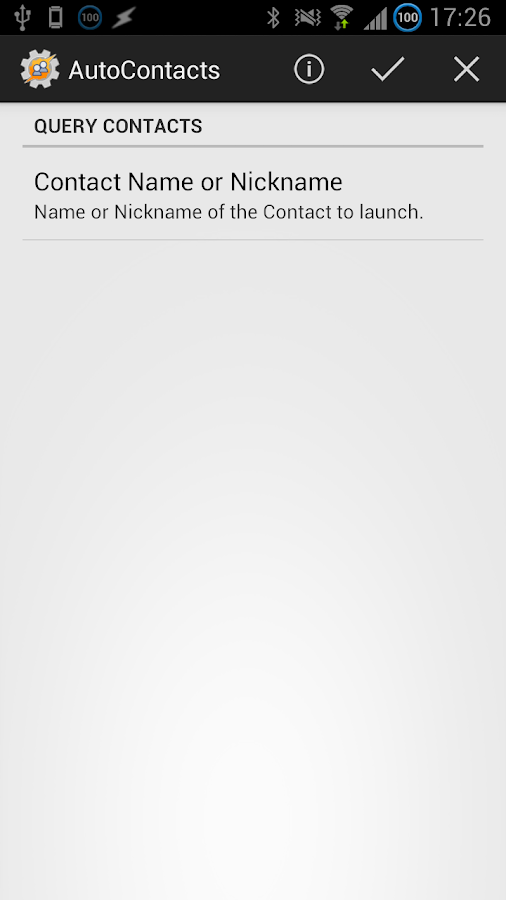
Search for your contacts by name or nickname and get all their info in Tasker so you can call them, text them, get their birthday, their address or whatever else you'd like.

See how to get started with AutoContacts here: http://joaoapps.com/autocontacts/

Also, check out this video to learn the basics on AutoContacts:
http://www.youtube.com/watch?v=q7GJqsgzy6I


With AutoContacts you can get lots of info on your contacts.
Start by using the Tasker action "Plugin->AutoContacts" and writing a name in the "Name or Nickname" field.
You can use any of the AutoContacts variables to call, email, sms, or anything else you want to do with the info. You could navigate to a contact's home address, or open his website on a browser.
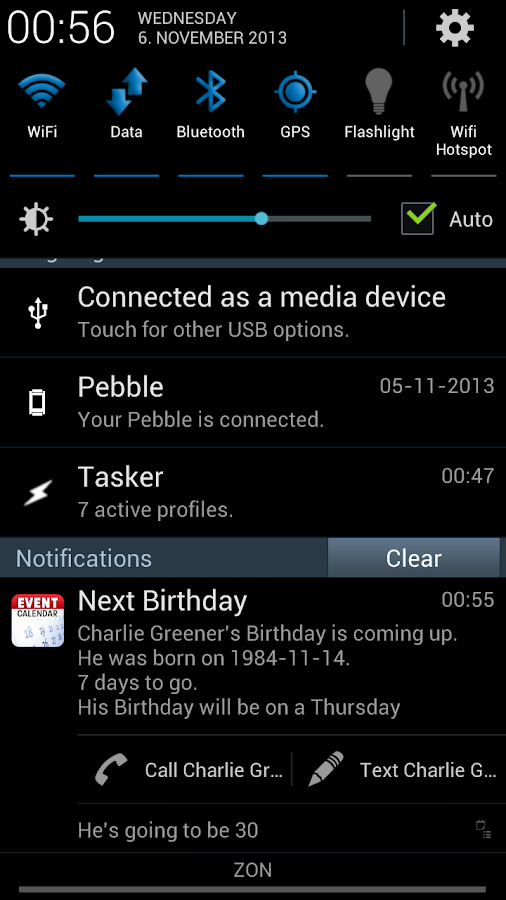
You could even create a notification when his birthday is near.
It's up to you what you do with your contact's info!

These are some of the variables you get when you query your contacts:
%acname - Contact Name
%acnickname - Contact Nickname
%acnumber - Contact Phone Number
%acnumbertype - Contact Phone Number Type (Work, Home, etc)
%acemail - Contact Email Address
%acemailtype - Contact Email Address Type (Home Work, etc)
%acaddress - Contact Physical Address
%acevent - Contact Birthday, Anniversary or other
%aceventtype - Type of the event in %acevent

Total time spans can be useful to find out the total number.
For instance, you could write "Anniversary was 542 days ago"
%acdayssinceevent - Total Number of days since the event first happened
%acmonthssinceevent - Total Number of months since the event first happened
%acyearssinceevent - Total Number of years since the event first happened

Cummulative time spans can be useful if you want to write stuff like "Birthday happened 12 years, 2 months and 15 days ago".
%acdayssinceeventc - Cummulative Number of days since the event first happened
%acmonthssinceeventc - Cummulative Number of months since the event first happened
%acyearssinceeventc - Cummulative Number of years since the event first happened
%acdaystoevent - Total Number of days to the next time this event happens
%acmonthstoevent - Total Number of months to the next time this event happens
%acyearstoevent - Total Number of years to the next time this event happens
%acdaystoeventc - Cummulative Number of days to the next time this event happens
%acmonthstoeventc - Cummulative Number of months to the next time this event happens
%acyearstoeventc - Cummulative Number of years to the next time this event happens
%aceventday - Day of the month this event happens
%aceventmonth - Month this event happens
%aceventyear - Year this event happens
%aceventweekday - Day of the week this event happens
%aceventweekdayname - Name of the day of the week this event happens
%aceventweekdayshortname - Short Name of the day of the week this event happens

Free version is limited to 20 contacts

AutoContacts - screenshot AutoContacts - screenshot AutoContacts - screenshot

What's New
- Added way to manage your dates so you can fix unrecognized dates
- Added option to return names in the nickname variable, if nickname is not set.
- fixed some time calculations that were a bit off.
http://joaoapps.com/autocontacts/changelog/


Requires Android
2.2 and up

Updated
December 6, 2013

Current Version
1.1.6

App TUTORIAL →  youtube_play

Google play 3

PLEASE READ THIS FIRST! → "HOW TO DOWNLOAD" TUTORIAL!
android_download

Facebook Like 2

Please leave a comment for Broken Links.

Friday, December 6, 2013

SuperBeam WiFi Direct Share PRO (version 3.0.3) Apk

Cover art

Description

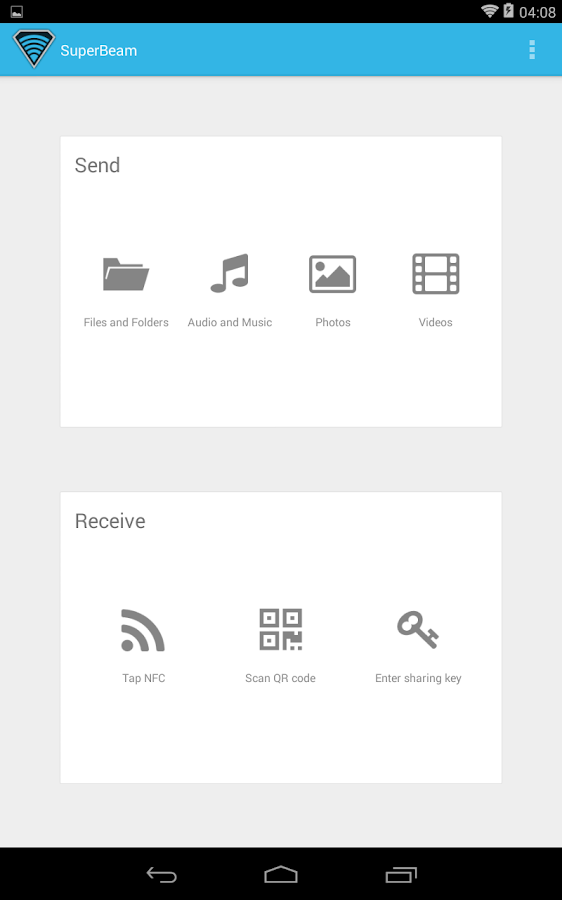
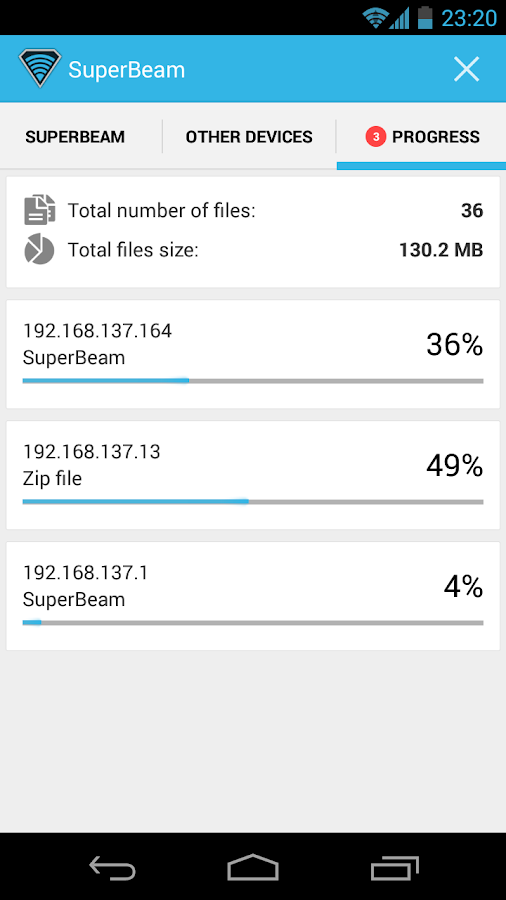
SuperBeam is the easiest and fastest way to share large files between Android devices using WiFi direct.
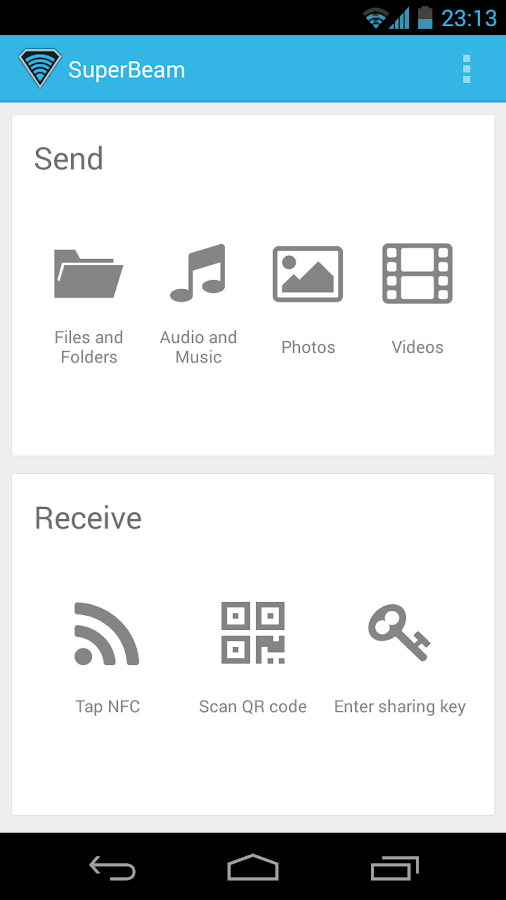
Devices can be paired using QR codes (with the included QR code scanner) , NFC or manual sharing key (PRO).

No more clicks and manual approvals for connections.
SuperBeam makes file sharing as convenient and fast as it should have been, because it is 2013 already!

Features:
• Blazing fast transfer speeds using WiFi direct.
• Pair devices using NFC or QR code scanning.
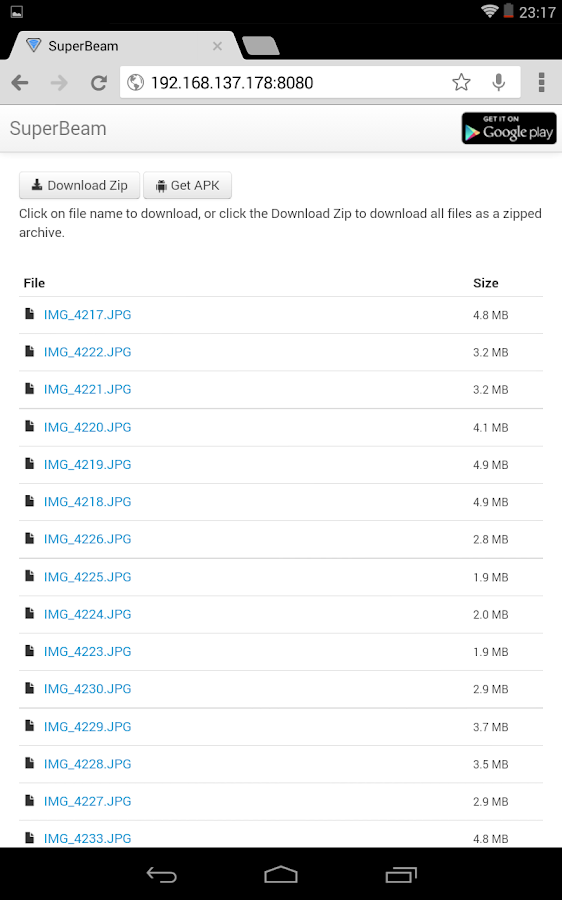
• Sharing with devices that do not have SuperBeam through web interface.
• Share single or multiple files of any type (photos, videos, zip files, APK's... You name it!).
• Supports Android 2.3.3 and later.
• Uses port 8080 for all types of transmissions, which means more compatibility on restricted WiFi networks.
• Light and dark color themes.

All received files are stored under "/sdcard/SuperBeam" directory by default, this can be changed in settings (PRO). Don't worry about duplicate files, SuperBeam will automatically add unique numbers to duplicate file names.

SuperBeam Switches to hotspot mode automatically for devices that doesn't support WiFi direct. Also, it can use existing WiFi network connection between devices in case WiFi direct fails.

SuperBeam PRO much more awesome features:
• No more ads.
• SuperEasy sharing with your computer using SuperBeam app for PC (compatible with Windows, Linux and MacOS)
• Change default save location to any available storage.
• Send entire folders and preserve their structure.
• Receive using manual sharing keys.
• Send to more than one device at the same time.
• Share unlimited number of files on web interface, with the ability to download complete structured zip and share SuperBeam APK.
• And much more!

Support:
For issues, questions and ideas: http://support.superbe.am
XDA support thread: http://forum.xda-developers.com/showthread.php?t=2177133

This app uses zxing library for QR code encoding and decoding (https://code.google.com/p/zxing/)

SuperBeam PRO Unlocker - screenshotSuperBeam PRO Unlocker - screenshot

SuperBeam PRO Unlocker - screenshotSuperBeam PRO Unlocker - screenshotSuperBeam PRO Unlocker - screenshot

SuperBeam PRO Unlocker - screenshotSuperBeam PRO Unlocker - screenshot

What's New

V3.0.3
- Fixed crash on Galaxy tablets


Requires Android
2.3.3 and up

Updated
December 4, 2013

Current Version
3.0.3

Google play 3

PLEASE READ THIS FIRST! → "HOW TO DOWNLOAD" TUTORIAL!
android_download

Facebook Like 2

Please leave a comment for Broken Links.

InstaSave PRO- Instagram Save (version 1.0.1.2) APK

Cover art

Description

Have you lost your phone, your Instagram photos or just want to be safe and perform a backup?
Did you loved that one beautiful Instagram photo and want to keep it forever?
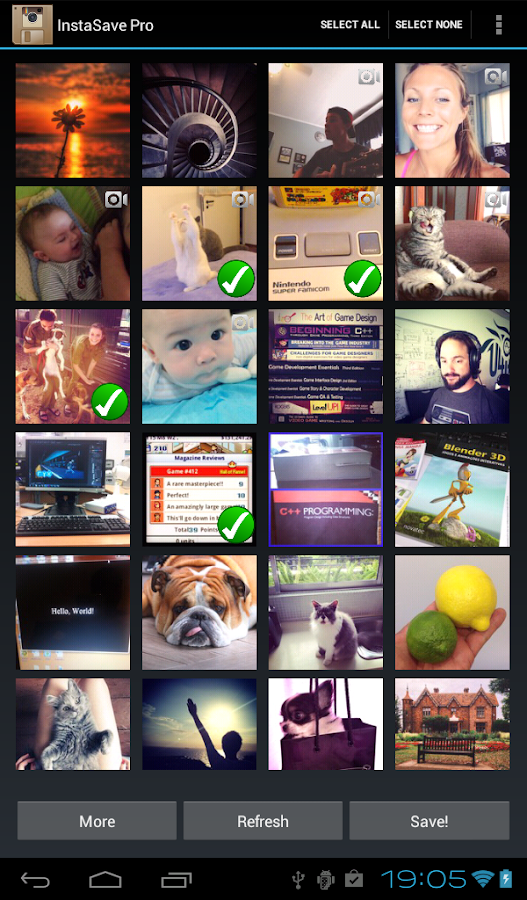
InstaSave allows you to save your Instagram photos and also the photos you liked to your device memory, allowing you to see them anytime, anywhere.

Pro Version Features:
- Save Instagram videos also
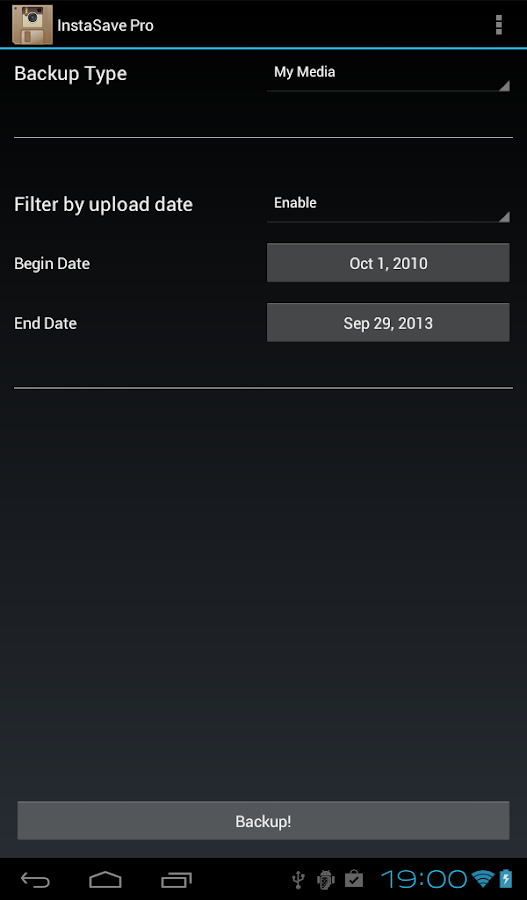
- Perform a full backup with a tap
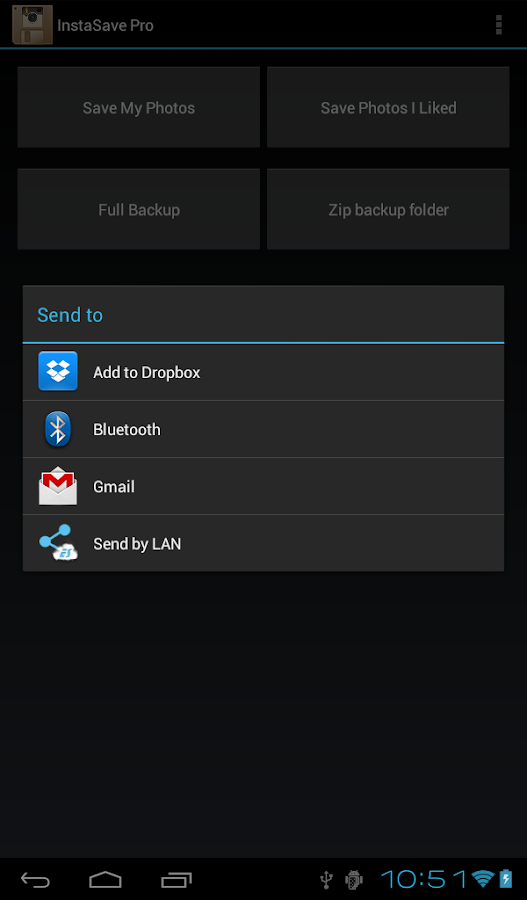
- Create a zip file containing all the saved files for compact storage and transfer
- Send your zip file to Dropbox, Email, Bluetooth, etc with a tap

Other Features:
- Save any of your Instagram photos to your device memory
- Save any of the photos you liked to your device memory
- Select the photos to download one by one
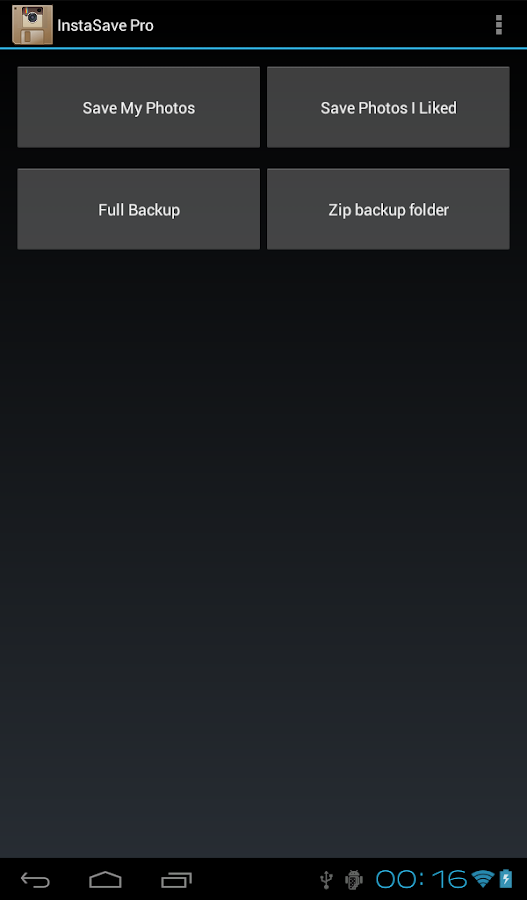
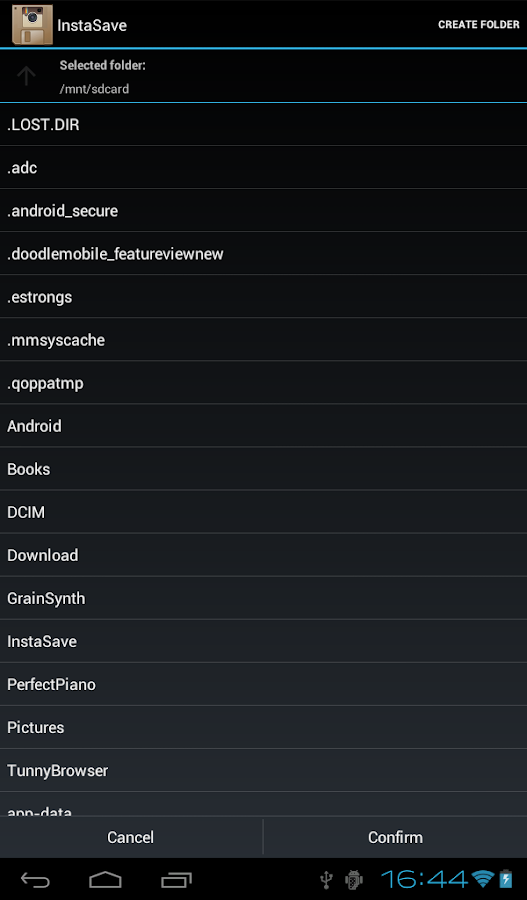
- Easily choose the folder to save the photos
- Simple and straight to the point interface

Please do not use this program to save photos without the permission of the respective owners.
Respect the rights of the Instagram users.
InstaSave uses the Instagram public API and depends on the Instagram servers.
InstaSave uses the OAuth 2.0 protocol to authenticate the user.

InstaSave Pro - Instagram Save - screenshotInstaSave Pro - Instagram Save - screenshot

InstaSave Pro - Instagram Save - screenshotInstaSave Pro - Instagram Save - screenshotInstaSave Pro - Instagram Save - screenshot

What's New

1.0.12
- Quick fix of a login proble


Requires Android
2.2 and up

Updated
November 11, 2013

Current Version
1.0.1.2

Google play 3

PLEASE READ THIS FIRST! → "HOW TO DOWNLOAD" TUTORIAL!
android_download

Facebook Like 2

Please leave a comment for Broken Links.