Pages

Showing posts with label Computer. Show all posts

Thursday, December 26, 2013

BBQScreen Remote Control 2.2.3 APK

BBQScreen Remote Control

Description
BBQScreen lets you see your Android device's screen on your computer at fullspeed, including sound, as well as let you interact with it using your mouse and keyboard.
Make sure to read our Getting Started and FAQ sections at http://screen.bbqdroid.org/

IMPORTANT INFORMATION
  • This app is optimized for rooted Android 4.3 and 4.4. It can work under limited conditions on Android 4.0, 4.1 and 4.2. Some features might not be available if you use the non-rooted method.
  • This app requires a client app to be installed on your PC. This app is available on Windows, Mac OS X and Linux, and its source code is publicly available.
  • When this app updates, make sure to check the recent changes to see if a new client version is needed.
  • Remote input is currently in beta, it might not work properly on some devices. Please e-mail us if you have any problem.
Unlike many Phone-to-PC screen sharing app, BBQScreen lets you see your device's screen in realtime and at a high framerate. It's super easy to setup, and can work through Wi-Fi, USB Tethering, or even Bluetooth tethering (best experienced with Wi-Fi or USB Tethering).
  • Since update 2.1, you can now control your device from your computer (using your mouse and keyboard).
  • Since update 2.2, sound can also be transmitted (on Android 4.3 and 4.4).
Get and install this app on your Android device, and get the latest client app on your computer at http://screen.bbqdroid.org.
Follow the instructions at http://screen.bbqdroid.org/getting-started.php for more informations on how to get started.
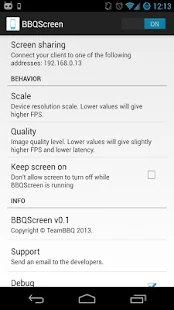
BBQScreen Remote Control - screenshot thumbnail BBQScreen Remote Control - screenshot thumbnail

What's New
  • Fixed striping issues on MANY devices using Legacy mode on 4.3+
  • Added back a scale option when using legacy mode
  • Fixed the app wouldn't turn back on after turning it off with no client connected
  • Fixed the video freezing after one minute
  • Fixed a case where the screen would remain white on some devices
Requires Android
4.0 and up

Updated
December 19, 2013

Current Version
2.2.3

AppzTap (YouTube)

Google Play

AppzTap (Download)

Facebook Like 2

Please leave a comment for Broken Links.

Friday, December 6, 2013

SuperBeam WiFi Direct Share PRO (version 3.0.3) Apk

Cover art

Description

SuperBeam is the easiest and fastest way to share large files between Android devices using WiFi direct.
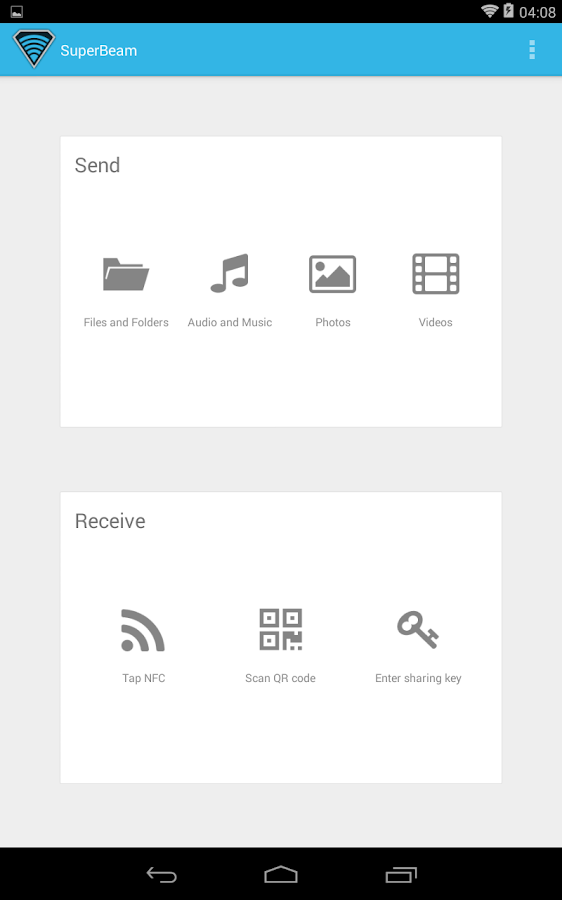
Devices can be paired using QR codes (with the included QR code scanner) , NFC or manual sharing key (PRO).

No more clicks and manual approvals for connections.
SuperBeam makes file sharing as convenient and fast as it should have been, because it is 2013 already!

Features:
• Blazing fast transfer speeds using WiFi direct.
• Pair devices using NFC or QR code scanning.
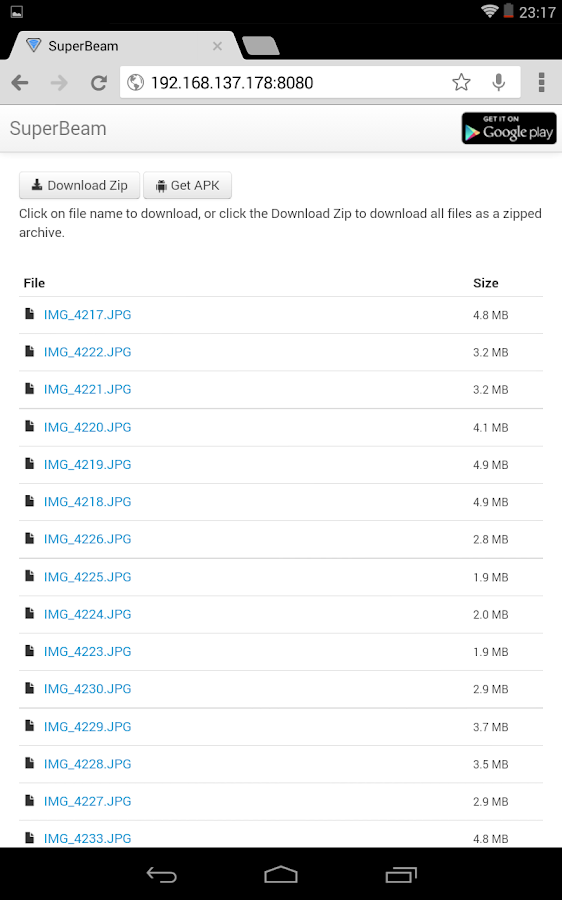
• Sharing with devices that do not have SuperBeam through web interface.
• Share single or multiple files of any type (photos, videos, zip files, APK's... You name it!).
• Supports Android 2.3.3 and later.
• Uses port 8080 for all types of transmissions, which means more compatibility on restricted WiFi networks.
• Light and dark color themes.

All received files are stored under "/sdcard/SuperBeam" directory by default, this can be changed in settings (PRO). Don't worry about duplicate files, SuperBeam will automatically add unique numbers to duplicate file names.

SuperBeam Switches to hotspot mode automatically for devices that doesn't support WiFi direct. Also, it can use existing WiFi network connection between devices in case WiFi direct fails.

SuperBeam PRO much more awesome features:
• No more ads.
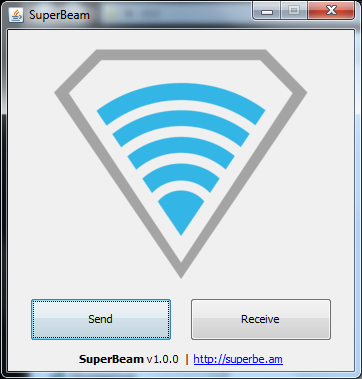
• SuperEasy sharing with your computer using SuperBeam app for PC (compatible with Windows, Linux and MacOS)
• Change default save location to any available storage.
• Send entire folders and preserve their structure.
• Receive using manual sharing keys.
• Send to more than one device at the same time.
• Share unlimited number of files on web interface, with the ability to download complete structured zip and share SuperBeam APK.
• And much more!

Support:
For issues, questions and ideas: http://support.superbe.am
XDA support thread: http://forum.xda-developers.com/showthread.php?t=2177133

This app uses zxing library for QR code encoding and decoding (https://code.google.com/p/zxing/)

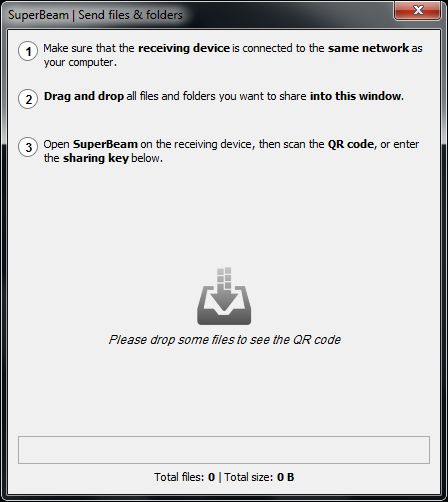
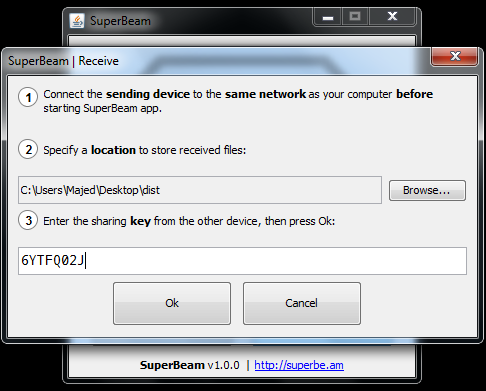
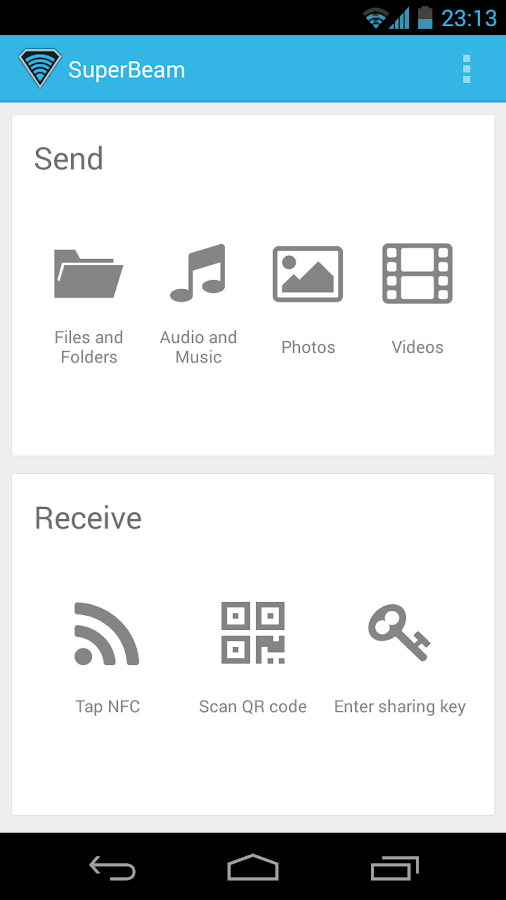
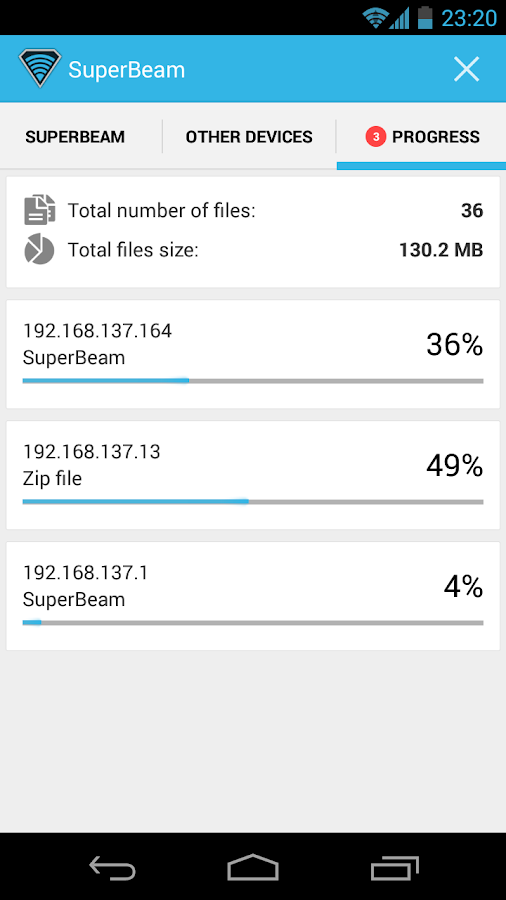
SuperBeam PRO Unlocker - screenshotSuperBeam PRO Unlocker - screenshot

SuperBeam PRO Unlocker - screenshotSuperBeam PRO Unlocker - screenshotSuperBeam PRO Unlocker - screenshot

SuperBeam PRO Unlocker - screenshotSuperBeam PRO Unlocker - screenshot

What's New

V3.0.3
- Fixed crash on Galaxy tablets


Requires Android
2.3.3 and up

Updated
December 4, 2013

Current Version
3.0.3

Google play 3

PLEASE READ THIS FIRST! → "HOW TO DOWNLOAD" TUTORIAL!
android_download

Facebook Like 2

Please leave a comment for Broken Links.